AI Data Engineering
Forward-Deployed Engineers build your MCP-powered campus memory layer for AI agents — with your data, in your environment. No need to choose build vs. buy — you get both.




MCP Architecture Guide for Higher Education
How to connect your campus systems (LMS, SIS, CRM, degree audit) to AI agents — step by step.
Read the GuideAI Data Engineering - Forward-Deployed Engineers (FDEs)
Build your campus "memory layer" for AI agents — powered by the Model Context Protocol (MCP) — with your data, in your environment.
What This Is
ibl.ai's Forward-Deployed Engineers embed with your team to connect SIS, LMS, CRM, ERP, identity, storage, and content systems into a secure, policy-aware memory layer built on the Model Context Protocol (MCP). That memory becomes the backbone for AI agents — student tutors, instructor TAs, and administrative assistants — running privately in your infrastructure.
This is professional services, billed by the hour (ultra-competitive rates), with clear milestones and artifacts you own.
Built on the Model Context Protocol (MCP)
The Model Context Protocol is an open standard — originally developed by Anthropic — that defines how AI models connect to external data sources, tools, and services. MCP provides a universal interface between AI agents and your institutional systems, replacing brittle custom integrations with standardized, secure connectors.
Think of MCP as USB-C for AI: one protocol, every system. Instead of building a custom integration for each SIS, LMS, or CRM, MCP gives agents a single, consistent way to read data, call tools, and respect permissions across your entire campus stack.
Campus IT teams maintain dozens of systems — Banner, Canvas, Salesforce, Workday, SharePoint, and more. Traditional integration approaches require point-to-point connectors that break with every vendor update. MCP eliminates this fragility by providing a protocol-level contract between AI agents and data sources.
With MCP, your institution gets portable agents that work across any LLM provider (OpenAI, Anthropic, Google, Meta, or local models), interchangeable connectors that can be swapped without rewriting agent logic, and built-in security boundaries where every data access goes through policy-aware middleware with FERPA-grade controls.
Every ibl.ai deployment uses MCP as the core integration protocol. Our Forward-Deployed Engineers build MCP servers for each campus system — SIS, LMS, CRM, ERP, identity providers, and document stores. These MCP servers expose structured tools and resources that agents can discover and invoke at runtime.
The result is a composable agent architecture: a student tutor agent can query enrollment data from Banner, fetch course materials from Canvas, check deadlines from the academic calendar, and retrieve advising notes from Salesforce — all through MCP — without any custom glue code between systems.
MCP Servers We Build
MCP Security and Governance
Every MCP request carries authentication context — who is asking, what role they hold, and what consent has been granted. Our MCP middleware enforces field-level permissions before data ever reaches the agent.
A student asking about their own grades sees their records; an advisor querying the same system sees their advisee cohort; an admin sees aggregate analytics. Same MCP server, different views.
MCP responses pass through a policy engine that redacts sensitive fields based on configurable rules. Social security numbers, financial aid details, and disability accommodations are masked or excluded from agent context unless explicitly authorized.
Every redaction decision is logged for audit.
Every MCP tool invocation is logged with timestamp, requesting agent, authenticated user, data accessed, and response summary.
These audit trails support FERPA compliance reviews, internal security audits, and incident response. Logs are stored in your infrastructure and retained per your institutional policy.
MCP servers run in isolated containers within your VPC or on-premises infrastructure. No campus data leaves your environment.
Agents interact with MCP servers over internal networks with mTLS encryption. External LLM providers receive only the agent's synthesized prompts — never raw institutional data.
Who We Work With
What We Do (Scope at a Glance)
Inventory: SIS (e.g., Banner, PeopleSoft, Colleague), LMS (Canvas, Blackboard, Brightspace, Moodle), CRM (Salesforce, Slate), ERP/HR (Workday, Oracle), Identity (Entra/Okta/Google), Storage (SharePoint/OneDrive/S3/GCS).
Schemas & Contracts: enrollment, rosters, outcomes, accommodations, deadlines, advising notes, policies, course materials metadata. Policy & Governance: FERPA fields, role scopes, retention rules, redaction maps, consent flows.
We build production-grade MCP servers for every campus system in your stack. Each server exposes typed tools and resources following the MCP specification, with built-in schema validation, error handling, rate limiting, and observability.
Servers are containerized and deployed via Terraform or Kubernetes manifests you own.
MCP-based Connectors: secure adapters that normalize read/write paths across systems. Per-Learner Memory Graph: knowledge graph + vector index for contextual retrieval (course content, outcomes, deadlines, interventions).
Guardrails Engine: RBAC, field-level permissions, PII masking, consent receipts, audit trails. Sync & Freshness: event bus/CDC, backfills, idempotent jobs, conflict resolution, replay.
Student Tutor: citable Q&A grounded in course content, deadlines, and policies via MCP. Teaching Assistant: study guides, FAQ triage, formative feedback, discussion support.
Digital Assistant (Admin): policy lookups, enrollment snapshots, risk roll-ups, "what's changed?" digests. Model Hub: OpenAI, Gemini, Anthropic, Llama, or local/NPU — hot-swappable per policy/cost.
Deliverables You Keep (No Lock-In)
Engagement Model (Hours-Based, Transparent)
Security, Privacy, and Compliance
Reference Architecture (MCP-Powered)
Common Use Cases We Deliver
Why ibl.ai FDEs
Get Started
What our partners say about us

Chris Gabriel | Google

Lorena Barba | George Washington University
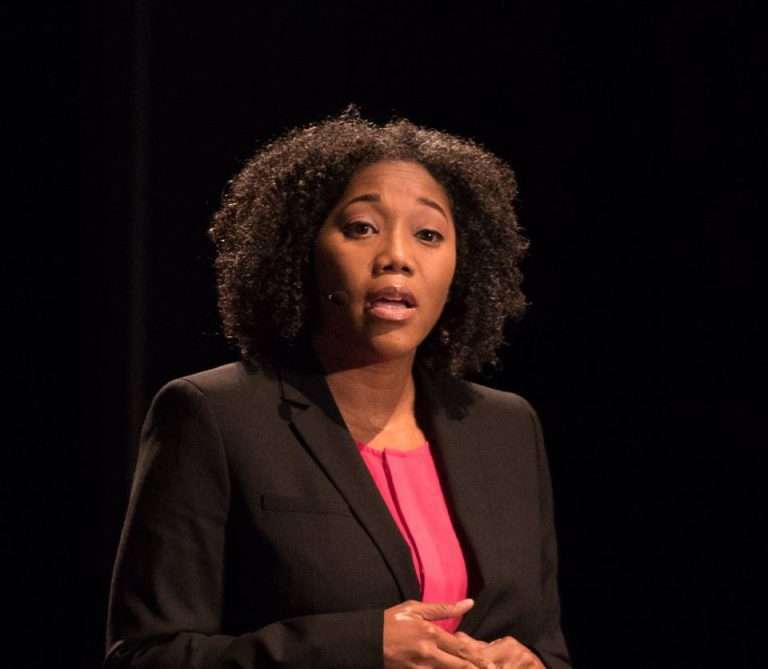
Dr. Juana Mendenhall | Morehouse College

Juile Diop | MIT

Adam Tetelman | Nvidia

Jason Dom | American Public University System

Benjamin Breyer | Columbia University

Ken Fujiuchi | SUNY

Erika Digirolamo | Monroe College

David Flaten | SUNY

David Vise | Modern States Education Alliance

Linda Wood | ARM Institute (U.S. Department of Defense)
Chris Gabriel | Google
Lorena Barba | George Washington University
Dr. Juana Mendenhall | Morehouse College
Juile Diop | MIT
Adam Tetelman | Nvidia
Jason Dom | American Public University System
Benjamin Breyer | Columbia University
Ken Fujiuchi | SUNY
Erika Digirolamo | Monroe College
David Flaten | SUNY
David Vise | Modern States Education Alliance
Linda Wood | ARM Institute (U.S. Department of Defense)