The ibl.ai desktop app for macOS is available now at ibl.ai/download — a universal build for Intel and Apple Silicon, signed and notarized. It carries the full Agentic OS feature set, and adds two capabilities that only exist because it runs natively on the machine: local models that work with the network off, and agent tool execution sandboxed inside the app.
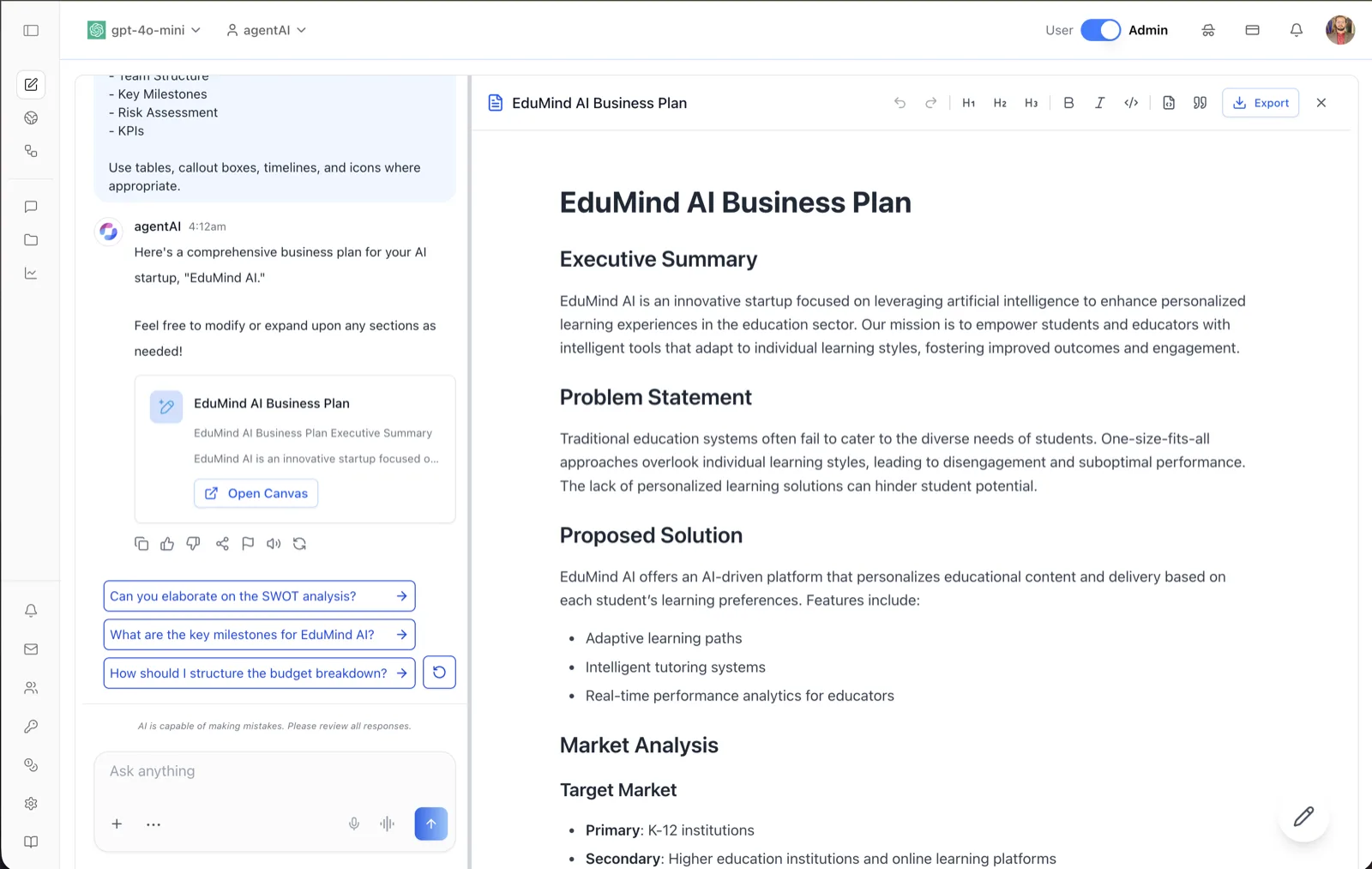
Everything the Web Platform Does
The desktop app is the same agent workspace, not a reduced companion. Agent chat, real-time voice calls with live transcription, MCP connectors, model selection across providers with your own API keys, and embeddable agents all work exactly as they do on the web.
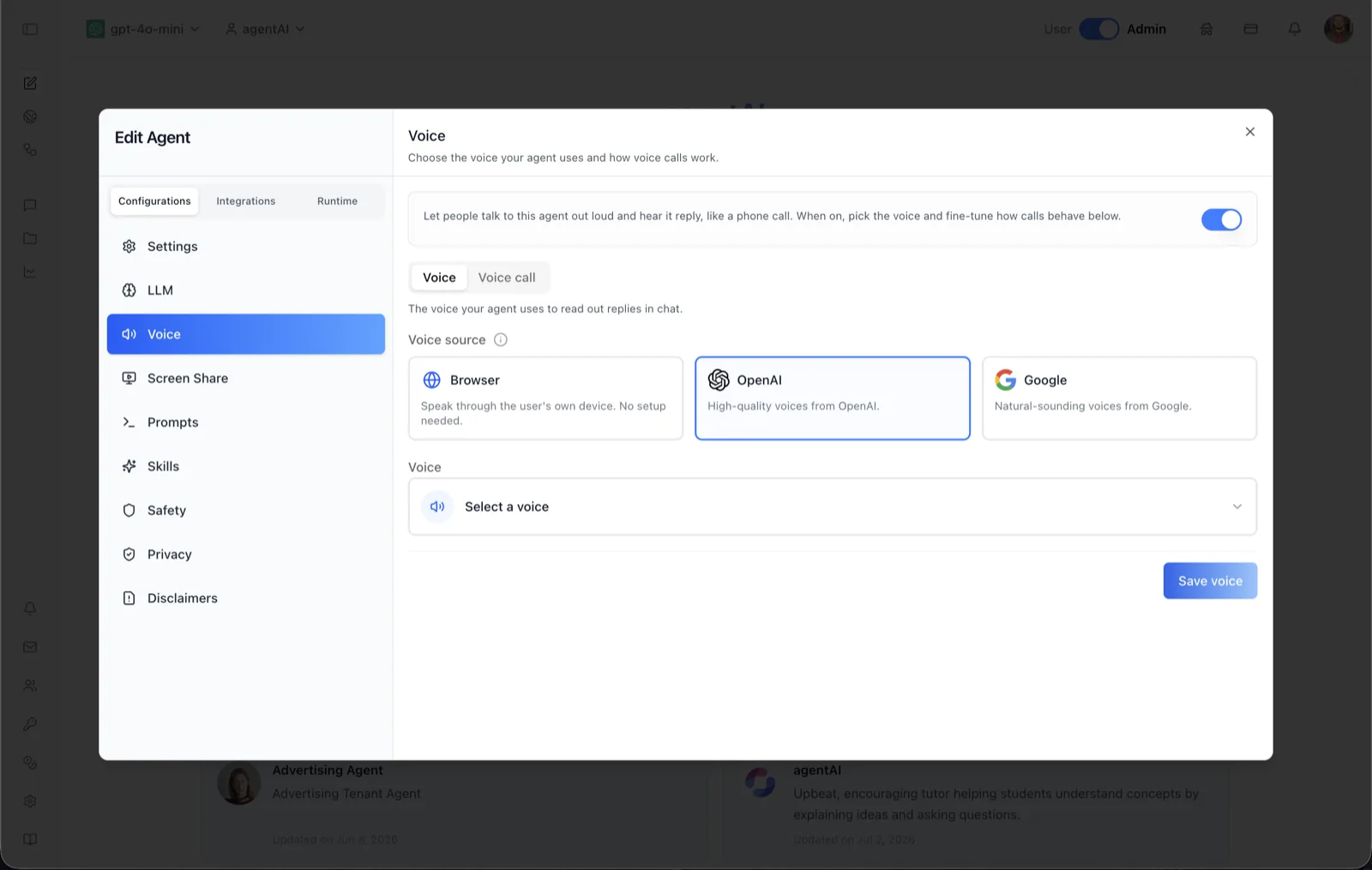
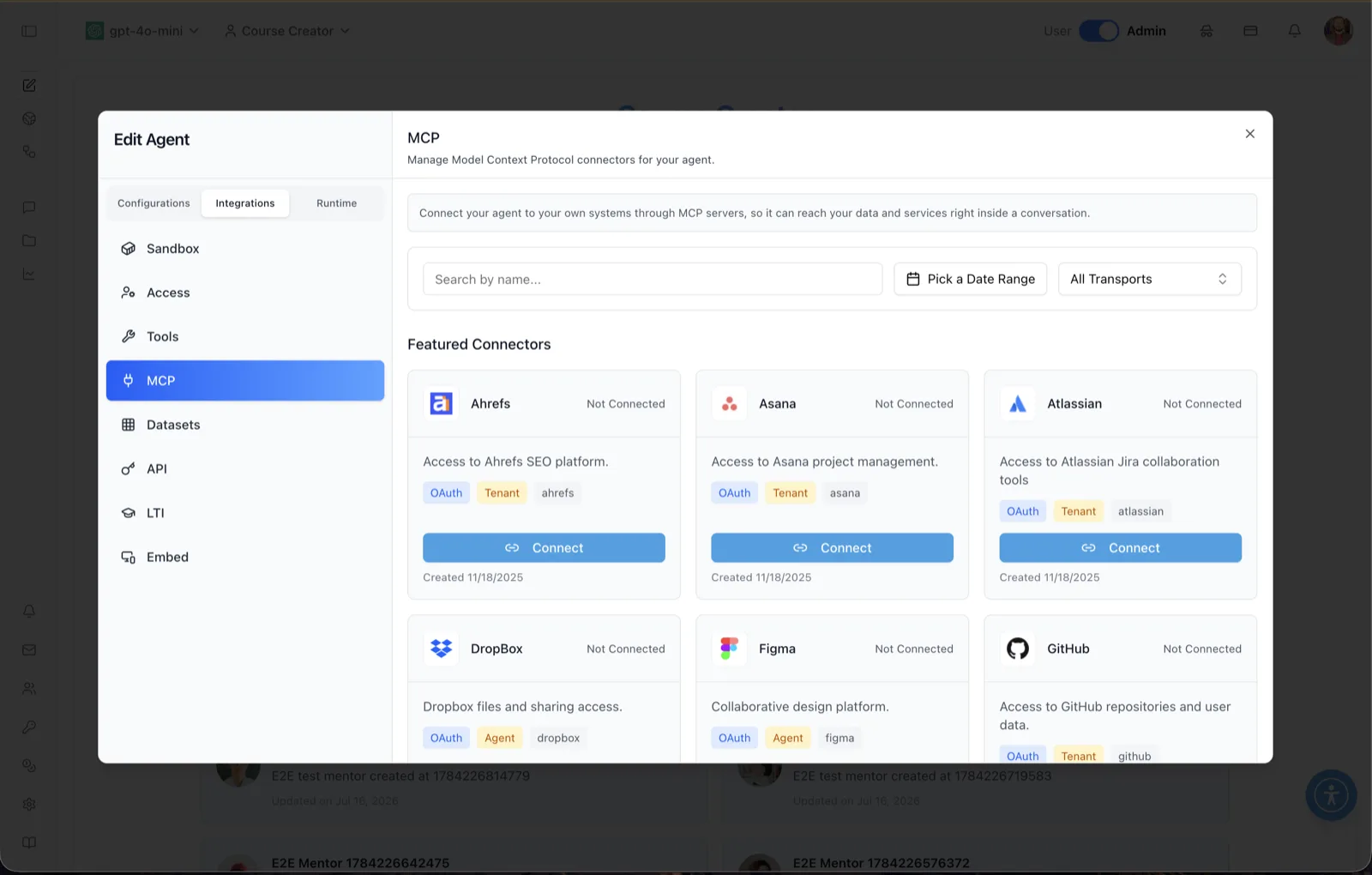
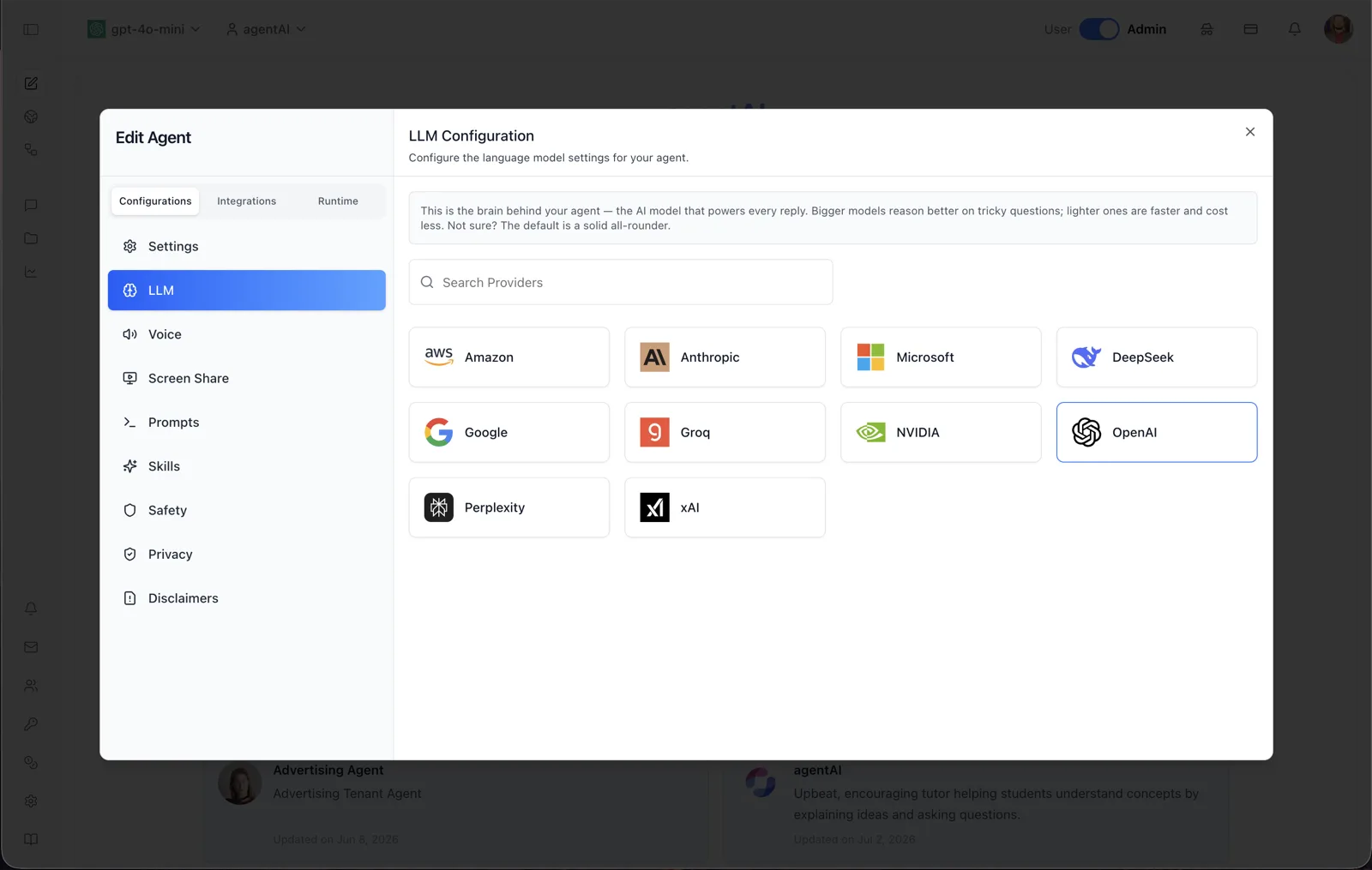
By default the app connects to the ibl.ai backend, so there is nothing to set up. Point it at your own deployment — cloud, VPC, on-premise, or air-gapped — and the same binary talks to your stack instead.
Local Models, and the App Keeps Working Offline
A browser tab cannot run a model on your laptop. The desktop app can, and it handles the setup itself.
It installs and manages the local model runtime. The app detects whether a local runtime is present, installs it if not, and starts and stops it with the "Enable Local Models" toggle — no terminal, no package manager. On first launch it offers to pull a small local model (roughly 2.4 GB on disk, 5 GB free space recommended) so there is something to run immediately; you can skip it and download later from the app menu.
Inference stays on the device. When an agent is pointed at a local model, the prompt and the response never leave the machine. That is the difference that matters for regulated work, field deployments, and anyone who cannot send a document to a hosted API.
The interface itself is cached. The app keeps a local copy of the application and serves it from a loopback-bound server when connectivity drops, and it caches agent settings so an agent stays usable rather than failing on a network call. Close the laptop on a plane, open it, keep working.
Windows gets NPU acceleration too. The Windows build additionally supports Microsoft Foundry Local, so models can run on the NPU of a Copilot+ PC. The macOS build runs on Apple Silicon's unified memory.
Agents Run in Sandboxes Inside the App
Giving an agent tools means giving it the ability to execute things. In the desktop app that execution is isolated by design.
Tool execution runs as its own process. The local tool bridge that lets a local model call MCP servers runs alongside the model runtime as a separate process, pinned to 127.0.0.1 — it is not reachable from the network, even on a shared Wi-Fi network. MCP servers are launched as local child processes with only the arguments and environment variables you configure.
Per-agent sandbox workspaces. An agent can be given its own dedicated execution workspace — a runtime where it runs code, tools, and skills on your behalf, registered and health-checked from the agent's Sandbox panel, with configuration pushed to it explicitly or automatically on save.
macOS capabilities are permission-gated. System-level control on macOS requires the Accessibility permission, and the app requests it itself through a native prompt you approve — the agent never quietly acquires it.
Get It
ibl.ai/download detects your platform and offers the right build: macOS universal, Windows x64 and ARM64, the App Store and Google Play apps, or the source to build for Linux. The page also lists every previous build and architecture.
Everything here holds to the same shape as the rest of the platform: model-agnostic — run any LLM, hosted or local, and switch anytime — usage-based rather than per-seat, and deployable in our cloud, your VPC, on-premise, or fully air-gapped, with you owning all the code and data. ibl.ai is family-owned and operated from New York, NY.
Documentation
- Download ibl.ai — every platform, every architecture, latest and previous builds
- Agentic OS — the platform the desktop app runs
- Agent Settings: Sandbox — dedicated execution workspaces, instance health, and configuration push
- Agent Settings: Capabilities — turning on the dedicated-sandbox capability
- On-Premise Deployment — running the whole stack in your own environment