Memory on the platform now has an administrative view, and conversation history now has a user-facing one. The two shipped together because they answer the same question from opposite ends: who can see what the platform has retained, and who can take it back.
Managing anyone's memories
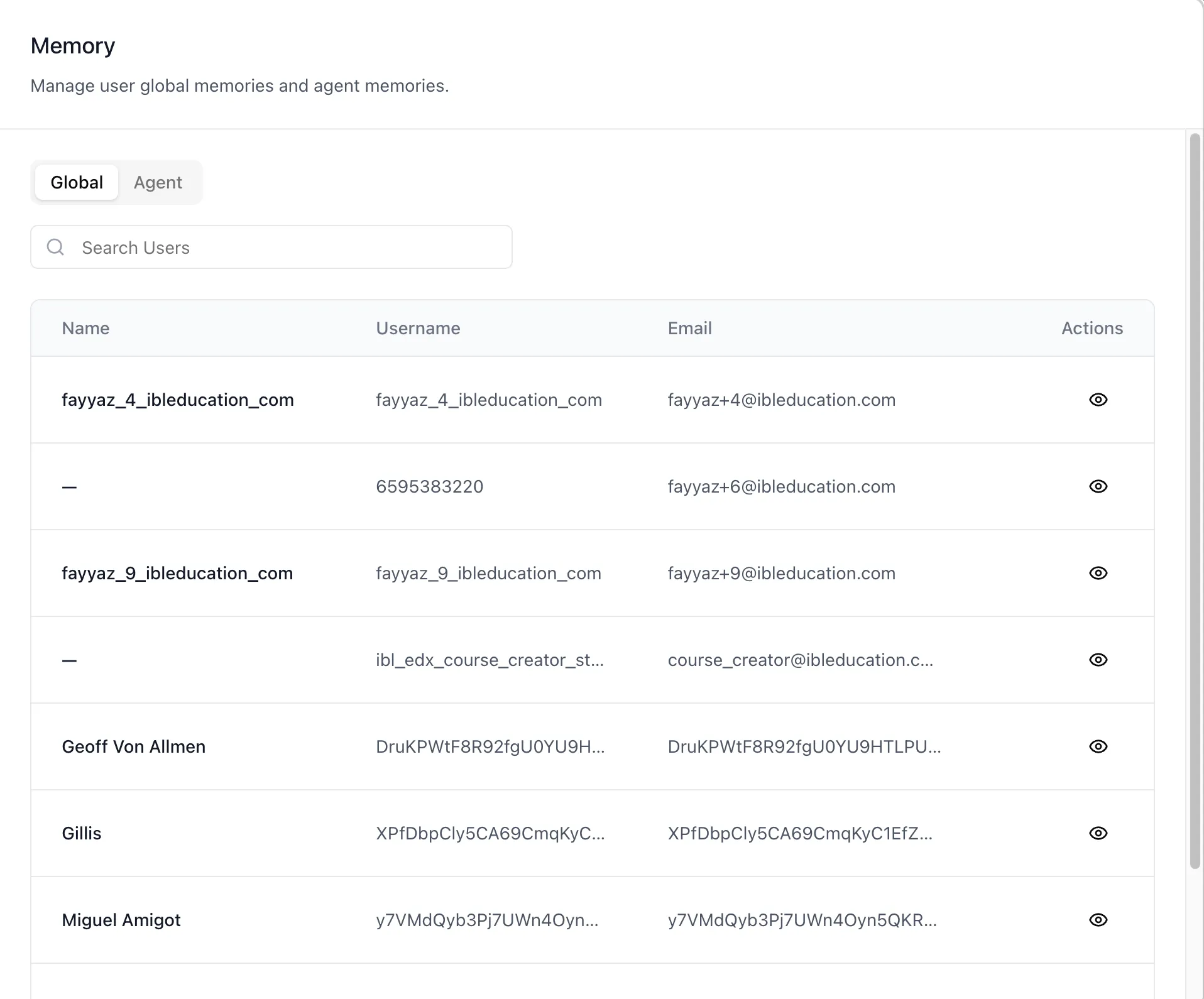
The organization's settings gained a Memory tab — "Manage user global memories and agent memories" for the whole workspace. It opens on Global, a searchable table of the organization's users.
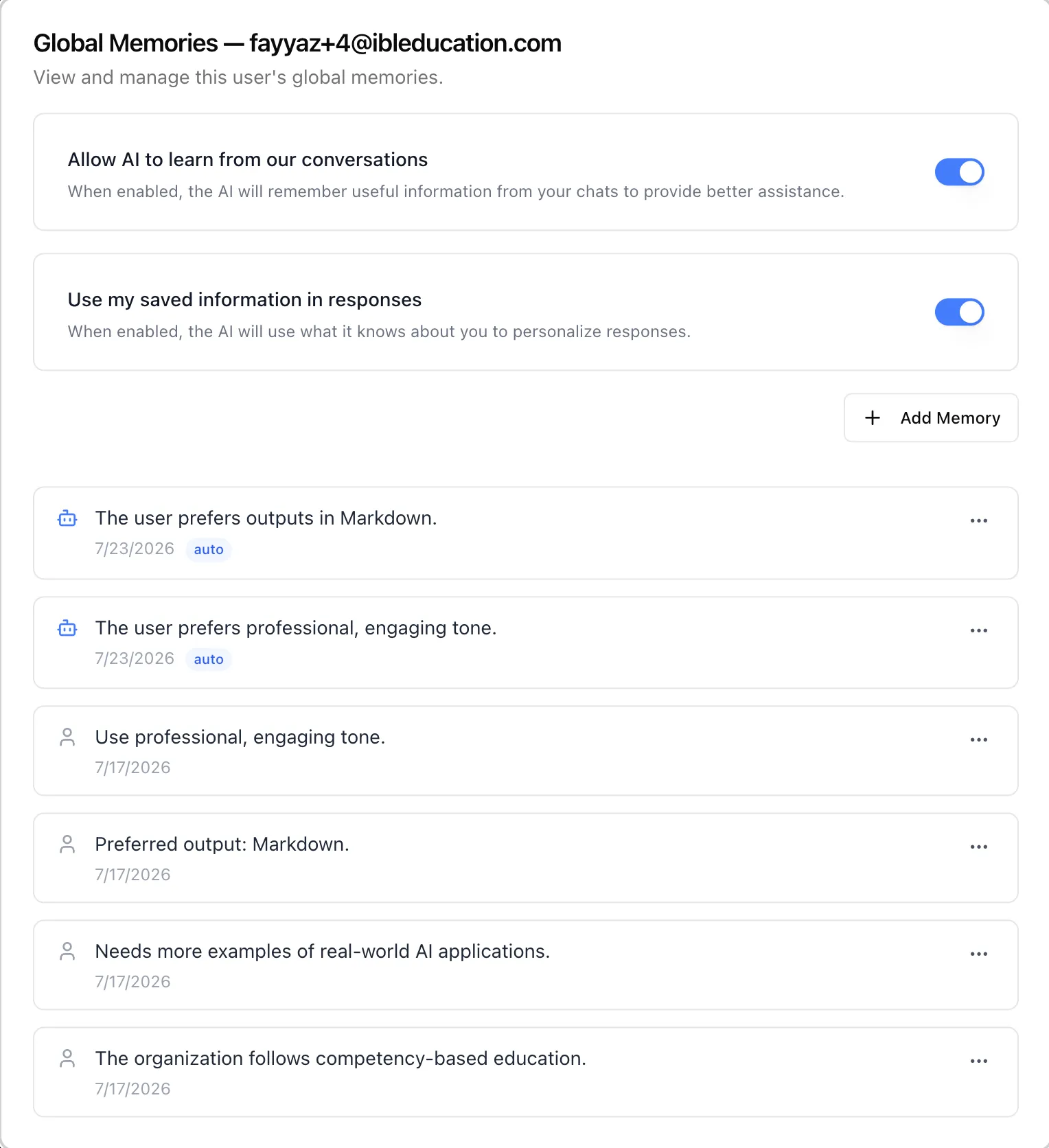
Opening a user shows everything the platform remembers about them across all agents, and — above the list — the two switches that decide whether there is anything to remember at all:
- "Allow AI to learn from our conversations" governs capture. Off means nothing new is recorded.
- "Use my saved information in responses" governs use. Off leaves existing memories stored but stops them shaping replies.
Turning off capture alone leaves earlier memories in play, which is a distinction worth having: one suspends the effect, the other stops the accumulation.
Each memory carries its text, its date, and an edit-and-delete menu. Memories the platform captured automatically from chat show a robot icon and an auto badge, so a reviewer can always tell an inference from something a person entered deliberately. Both are equally editable here.
Managing what an agent has learned
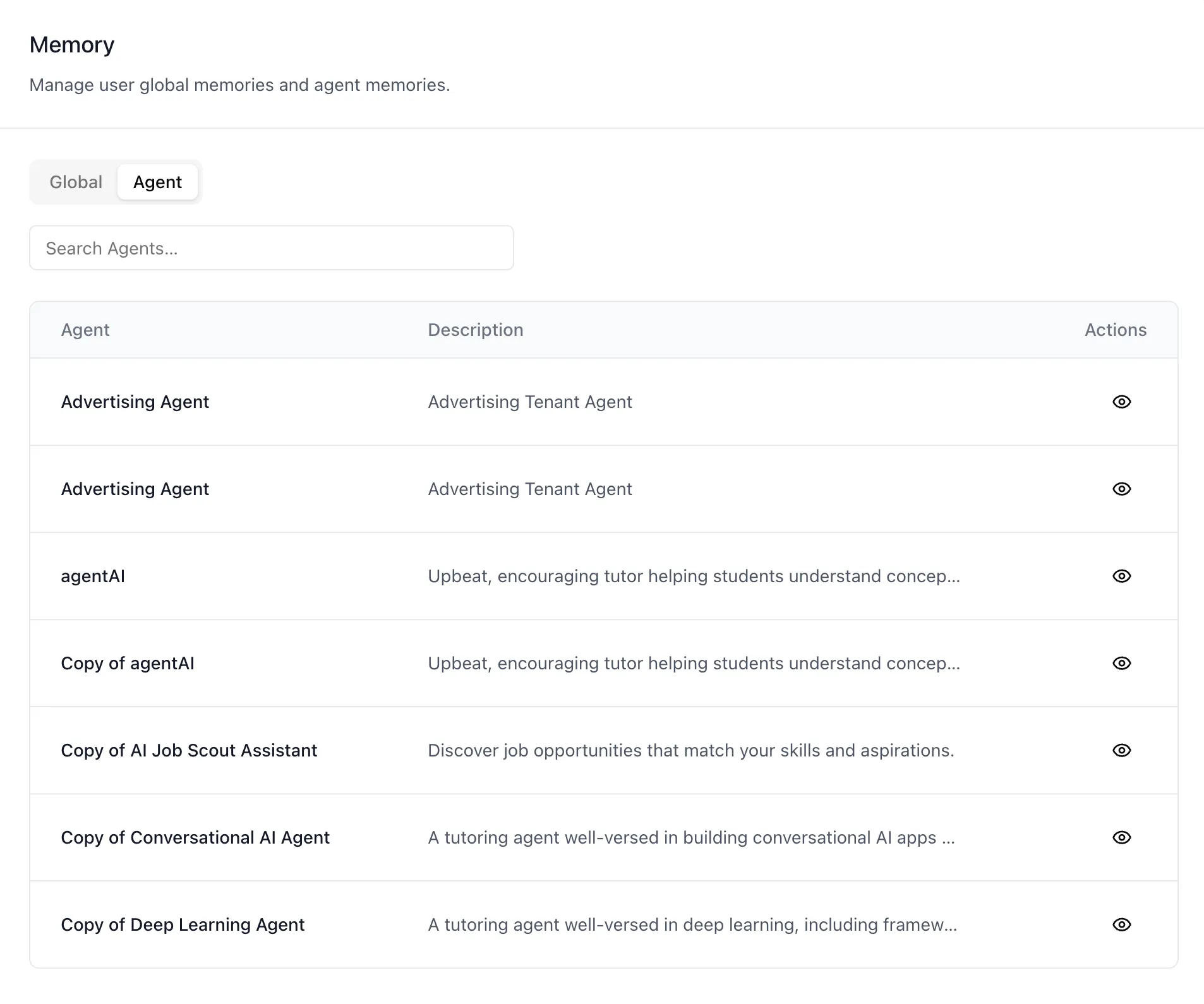
The Agent tab works the other way round — start from an agent and see what it has retained about the people who talk to it.
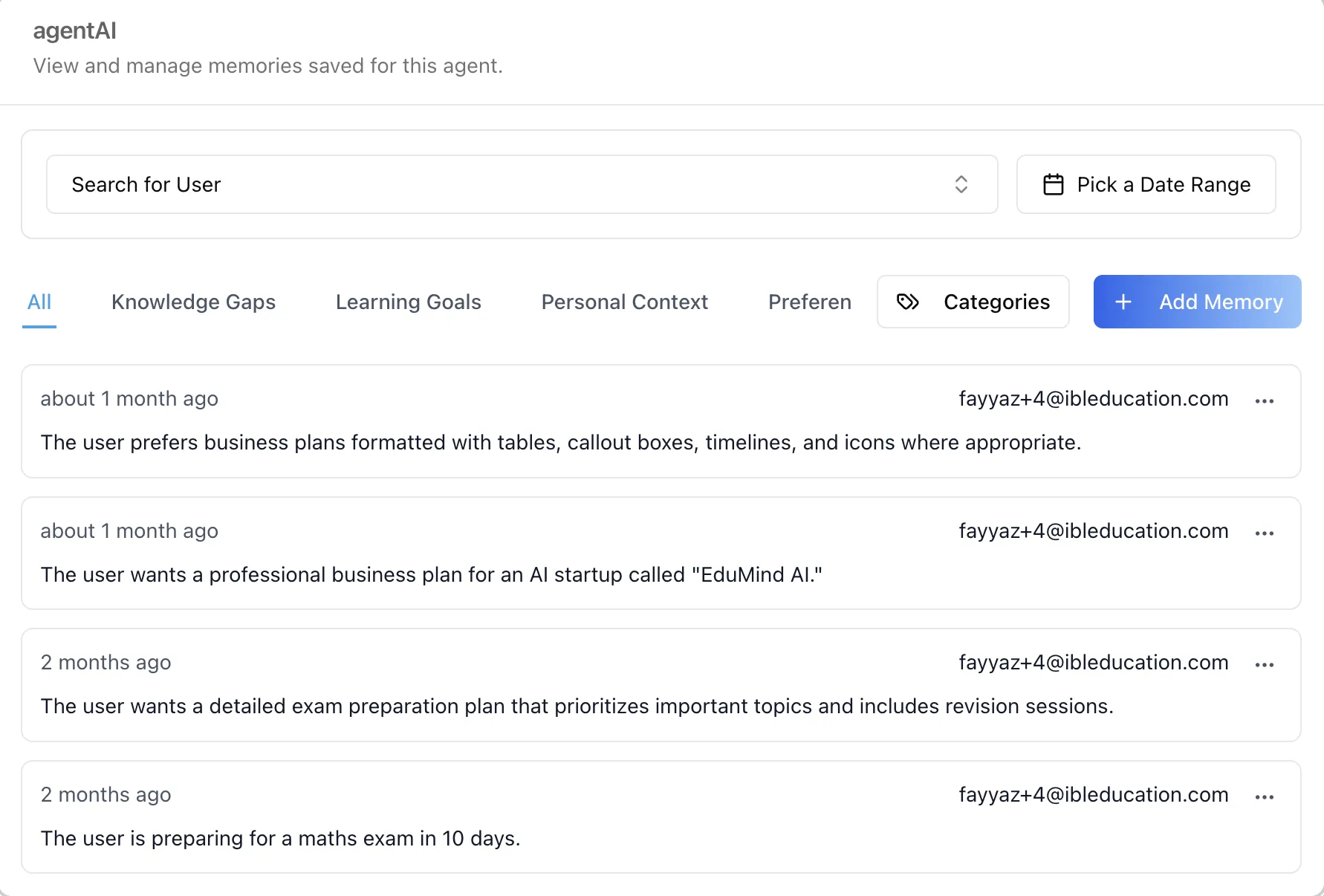
Opening an agent loads the same memory manager its own settings render: a user filter, a date range, category tabs — Knowledge Gaps, Learning Goals, Personal Context, Preferences, and any you add — a category manager, and one card per memory showing when it was recorded and whose it is.
There is one memory store behind all of this, reachable from three surfaces with different authority: a user's own profile, an agent's settings, and now the organization tab for someone with the standing to act on another person's behalf.
Your own conversations, and a way out
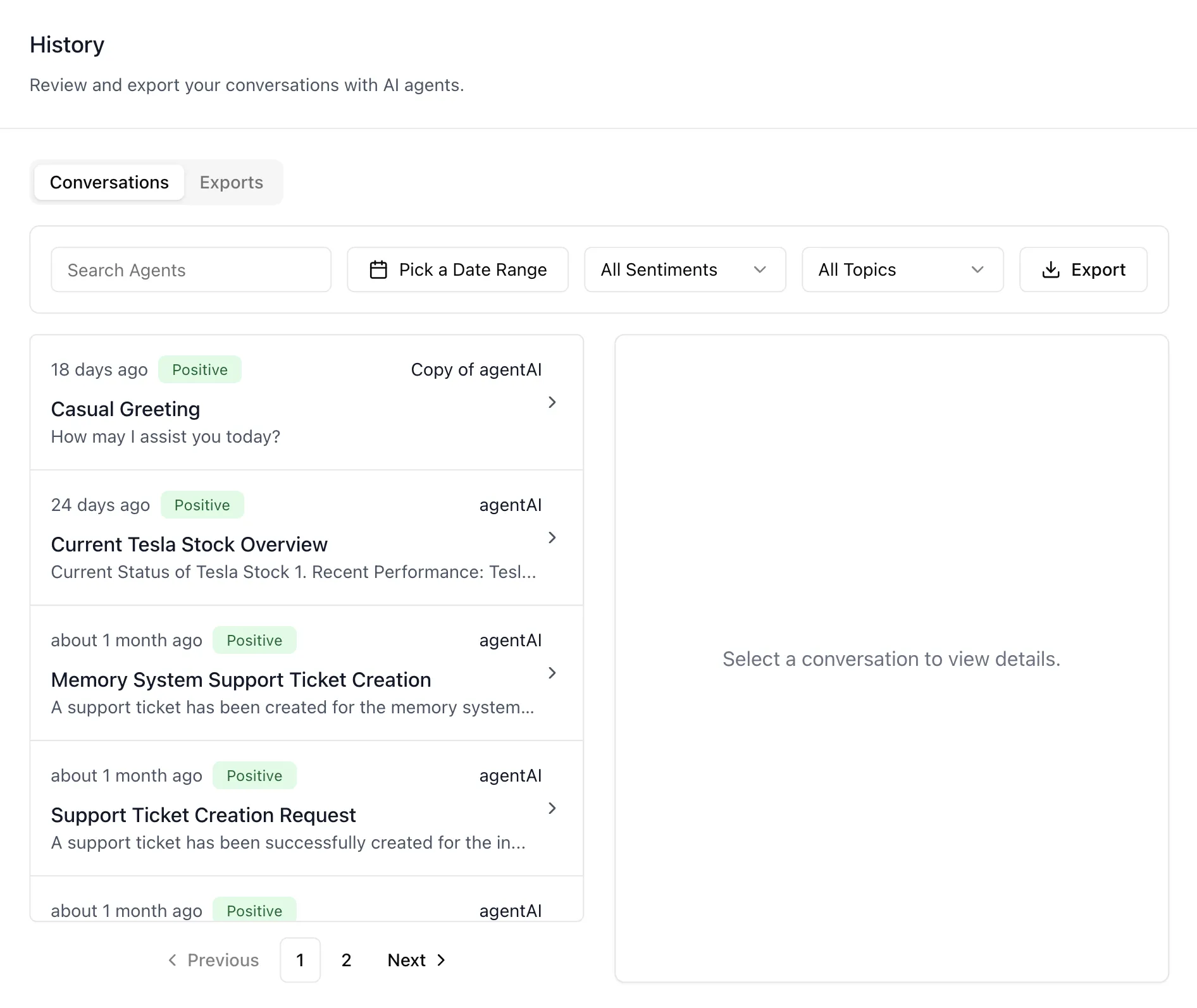
Every user now has a History page on their profile — "Review and export your conversations with AI agents." It gathers every chat with every agent into one filterable place: by agent, by date range, by sentiment, or by topic.
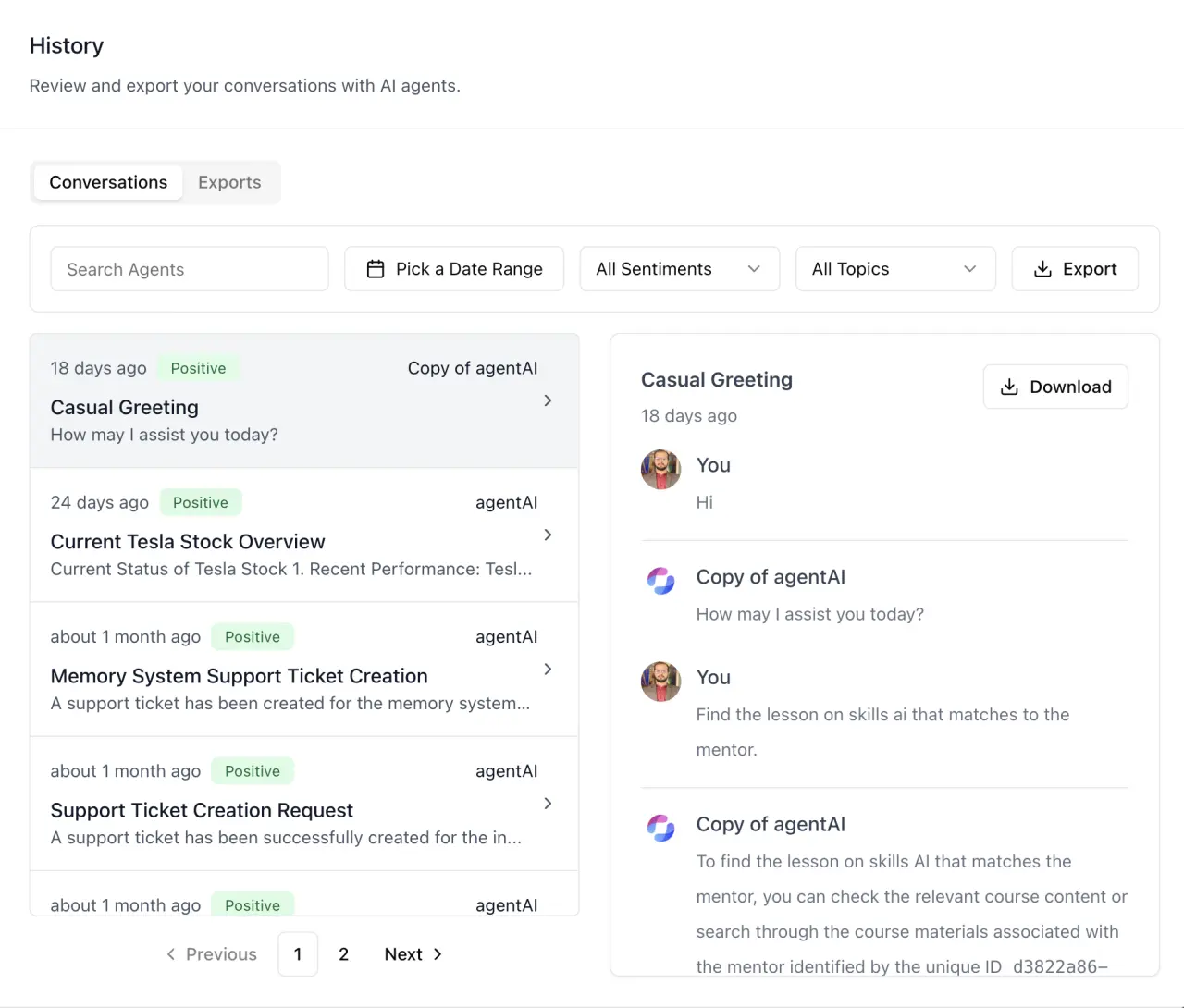
Selecting a conversation opens the full transcript beside the list, formatting and both avatars intact, with a Download that saves that one conversation as a CSV built in the browser — no queue, no waiting.
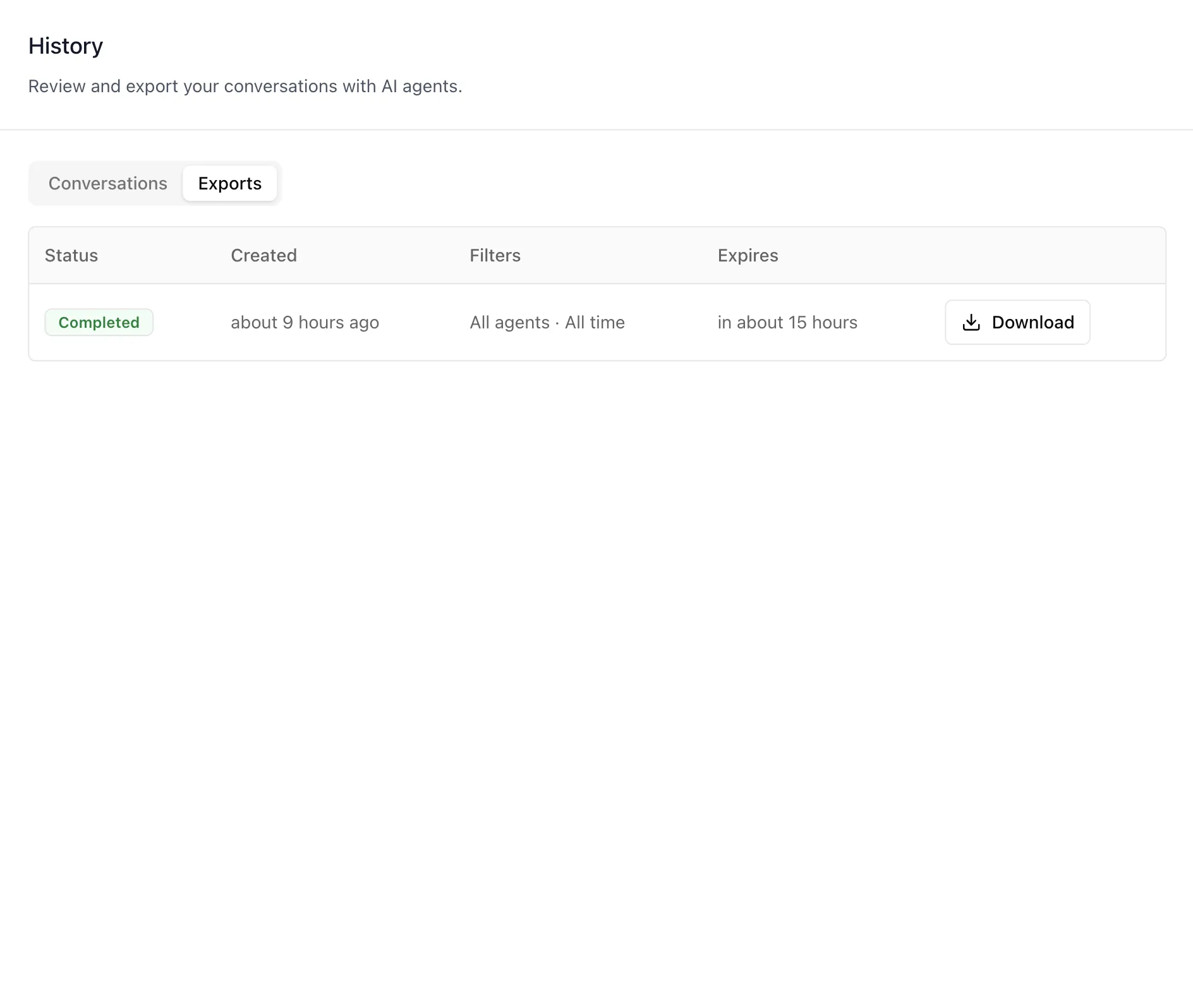
For anything larger, Export generates a report of everything matching the current filters on the server, and it lands under the Exports tab with its status, the filters that produced it, and its expiry. Because each row records its own filters, a report downloaded weeks later can still be read for what it actually covers.
This page reads endpoints scoped to the signed-in account, so it shows a person their own conversations and nothing else — it is hidden entirely when someone else views their profile. Administrators reviewing a whole agent's conversations use the agent's own Chat History panel instead.
Documentation
- Organization Settings: Memory — the Global and Agent views
- Profile: History — conversations, transcripts, and exports
- Profile: Memory and Agent Settings: Memory — the two surfaces this administrative view sits above
- Shared Memory — the agent's own curated knowledge, a fourth surface that this administrative view does not manage
Both surfaces ship in the ibl.ai SDK, so a product built on the platform can offer its own users the same review and export path.