LLMs
Why Agentic OS Is LLM-Agnostic
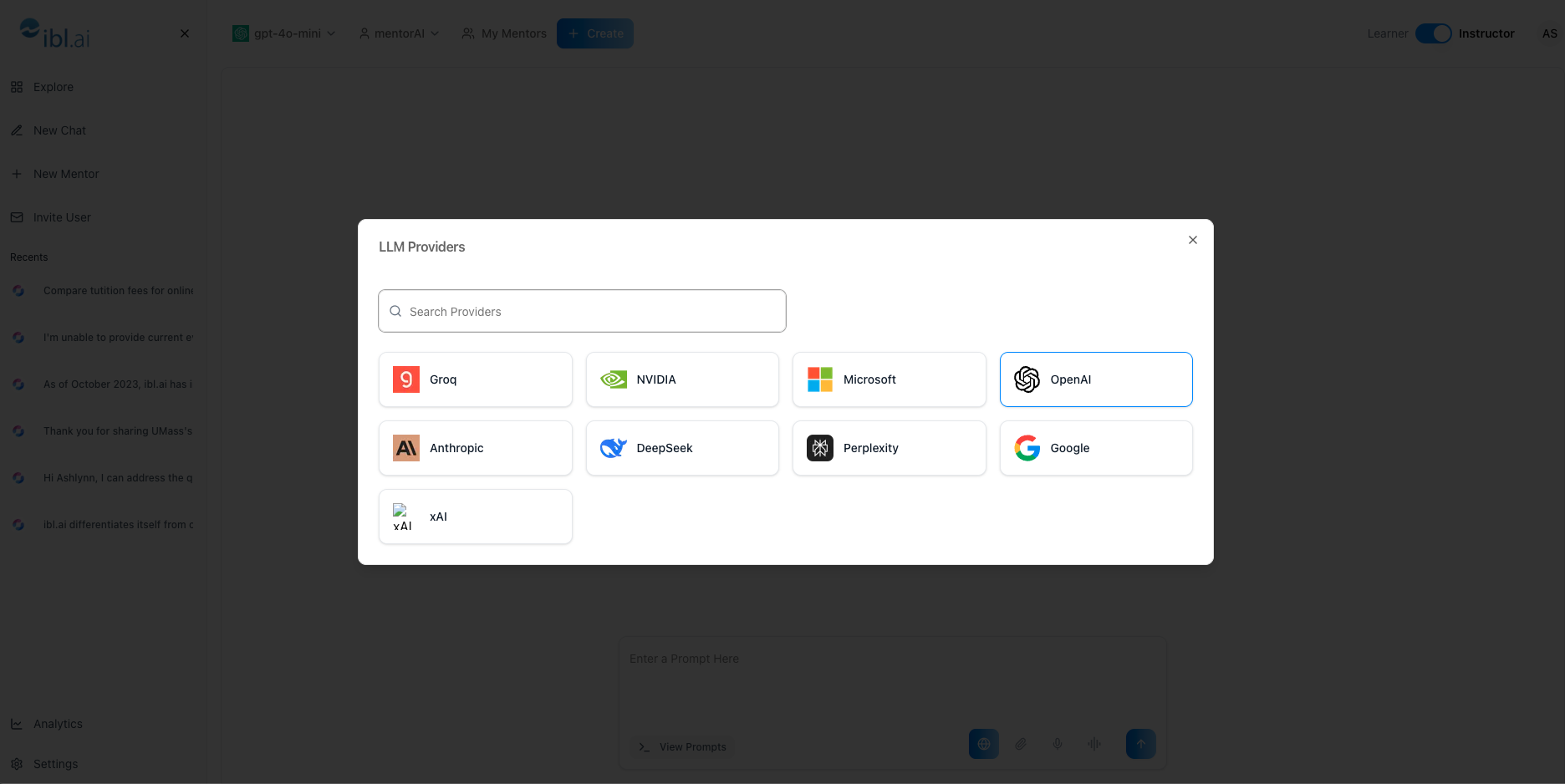
Let each agent use the language model best suited to its subject.
- Math agent: choose a model optimized for symbolic reasoning and step-by-step solutions.
- English composition agent: switch to a model fine-tuned on rhetoric or literary analysis.
Improves clarity, accuracy, and learning outcomes within each domain.
Future-proofs your agents as specialized models continue to appear.
Two Ways to Open the LLM Selector
Click the Model Name
- In the agent card, click the current LLM’s name.
- The list of all LLM providers appears.
Use the Agent Dropdown
- Click the agent’s name.
- Select LLM from the dropdown menu.
- You land on the same provider list.
Choose a Provider and Model
- Click a provider (for example, OpenAI or Google).
- A list of that provider’s models is displayed.
- Select the model you want—e.g.,
o1-preview. - A “Successfully changed” notification confirms the switch.
- Repeat anytime to pick another provider or model.
Adding New or Custom Models
- If a provider or model isn’t visible, it can be added to the platform quickly.
- The agent stays current by implementing new models as soon as they are released.
Final Step: API Keys (If Required)
- Some models may need you to supply your own LLM keys.
- Enter the keys when prompted; afterward, the agent will run on the chosen model.
That’s all it takes—select, confirm, and your agent is now powered by the model that best fits its subject.