Phone Calls
Description
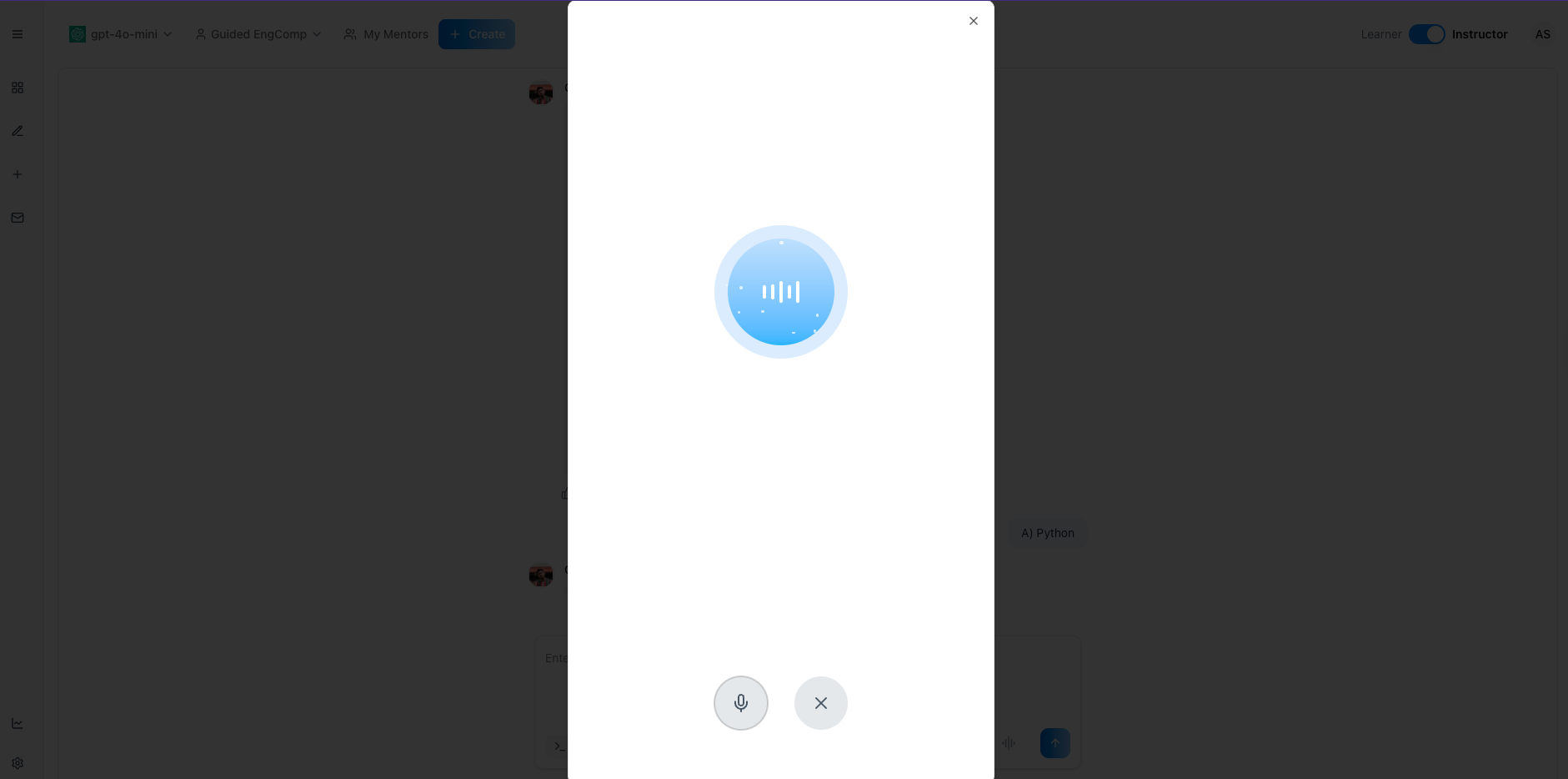
The Phone Calls feature lets you converse with mentorAI by voice—hands‑free and in real time. Simply tap the microphone icon to start a voice session and speak your questions. mentorAI responds aloud, creating a natural, human‑like interaction that supports accessibility, language practice, and on‑the‑go learning.
Target Audience
Student
Features
Human‑Like Voice Interaction
Chat with mentorAI as if you’re on the phone with a tutor—no typing required.
Accessibility Support
Ideal for visually‑impaired learners or anyone who finds reading difficult; listen instead of reading long text.
Hands‑Free, On‑The‑Go Learning
Ask multiple questions while commuting or multitasking, making study time more flexible.
Language Development & Pronunciation Practice
Hear correct pronunciation and practice speaking in a foreign language with immediate feedback.
Lower Cognitive Load
Listening to answers reduces screen fatigue and makes complex content easier to absorb.
How to Use (step by step)
Open Your Mentor Chat
Navigate to the mentorAI chat for your course.
Start a Voice Session
Click the microphone icon (voice‑input button). A phone‑call–style window opens, and the mentor greets you.
Ask Your Question Aloud
Speak naturally—for example:
Hi mentorAI, can you help me practice ordering food in Spanish?
Listen to mentorAI’s Response
The mentor replies with spoken guidance and may prompt you to respond or practice.
Switch Topics Anytime
Simply ask a new question, such as:
Can you help me understand the difference between mitosis and meiosis?
Request a Quiz Question
Example:
Could you give me a quiz question on World War II Answer aloud; mentorAI confirms or corrects you.
End the Session
Say something like:
That’s all for now, thanks mentorAI.
Then close the call window.
Pedagogical Use Cases
Language Practice
Role‑play ordering food, booking travel, or simple conversations to improve pronunciation and fluency.
Concept Explanations on the Go
Get quick clarifications while commuting—no need to read lengthy text.
Accessibility for Diverse Learners
Support students with visual impairments or reading difficulties by delivering content audibly.
Rapid Quiz Drills
Request oral quiz questions to reinforce facts (e.g., history dates, biology terms) and answer verbally for immediate feedback.
Reduced Screen Time
Listen to explanations of complex theories, reducing eye strain and cognitive overload during long study sessions.
With voice‑to‑voice enabled, mentorAI delivers rapid, conversational help that feels personal and is accessible wherever you can speak and listen—making learning easier, faster, and more engaging.