/iblai-vibe-admin
Mirrored from
iblai/vibe·skills/users/iblai-vibe-admin/SKILL.md. This page is generated — edit it in the repository, not here.
First time here? If
iblai.envhas noARCHITECTURE=, run/iblai-vibe-startfirst (four questions; two minutes) — it decides single-org / multi-org / headless and who signs in, and every skill reads the answer.
Every app on the platform has two audiences: members (they sign in and use the app) and org admins (they manage users, agents, spend, memory, and branding). This skill is the pattern vibe-starter uses for both, and the map of every admin surface the SDK already ships.
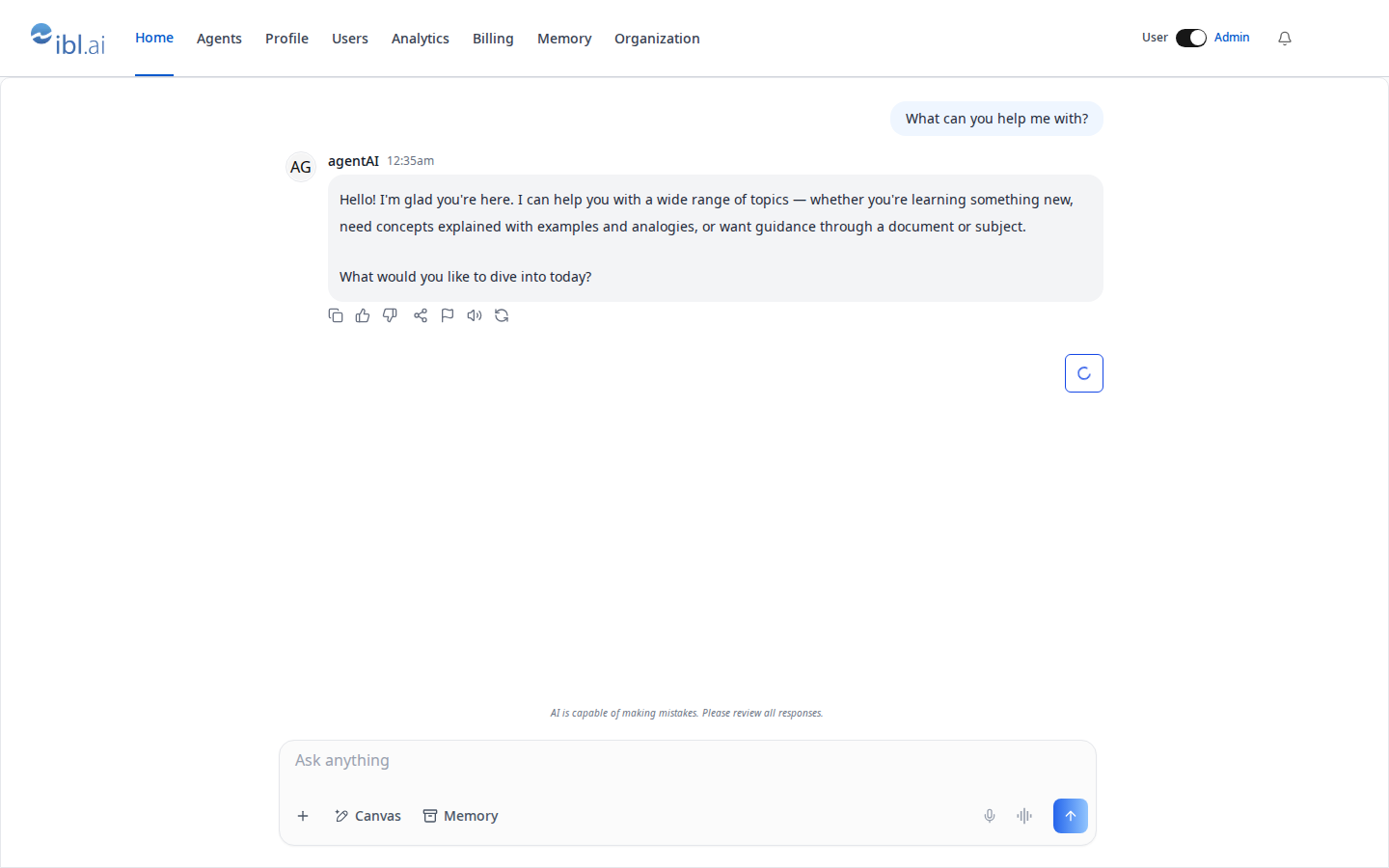
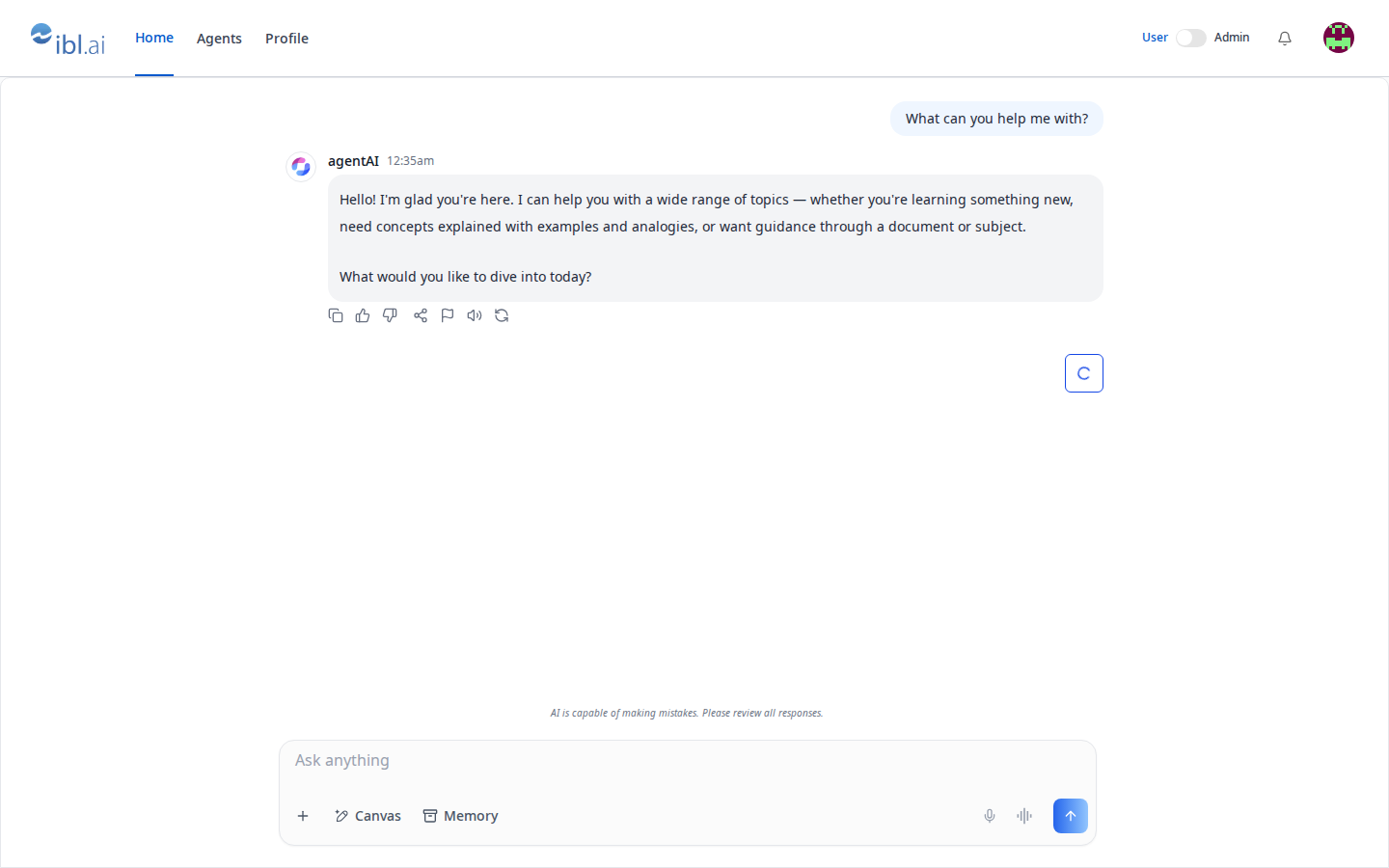
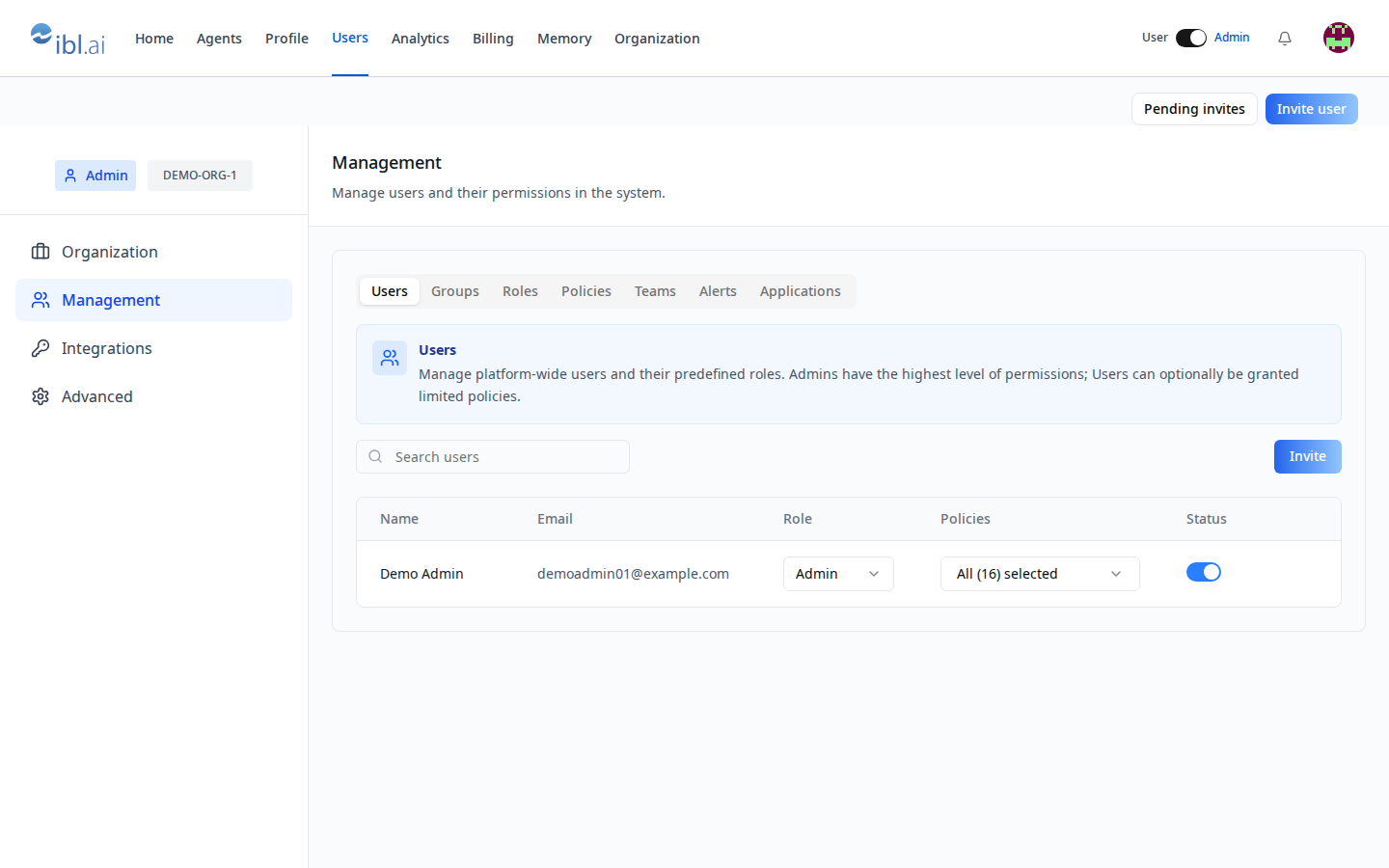
Common setup (brand, conventions, env files, verification): see docs/skill-setup.md.
The model in three sentences
- The platform has two predefined roles per org — Admin and User — plus optional policies (RBAC) for finer grants; an admin implicitly holds every policy.
- An app learns who is an admin from the
tenantslist the sign-in stored:isTenantAdmin()= theis_adminflag on the entry whosekeyis the org the app is pinned to. Not the SDK'suseIsAdmin(), which answers for the SDK's current organization — they can differ. - Admins get a User / Admin switch; in User mode they see exactly what a
member sees. Admin-only UI gates on
adminMode(admin and switched on); anything that must stay admin-only regardless of the view gates onisTenantAdmin().
Until your app has an admin area, os.ibl.ai is your admin console: Admin mode → settings → Management / Integrations / Billing / Memory / Organization.
What you get (vibe-starter ships it)
| Piece | File | Does |
|---|---|---|
isTenantAdmin(), readTenants() | lib/iblai/tenant.ts | the rule above |
AdminModeProvider, useAdminMode() | lib/iblai/admin-mode.tsx | view state: default Admin, resets on reload |
AdminModeSwitch | components/navbar/admin-mode-switch.tsx | the switch (hidden for members) |
AccountPanel | components/admin/account-panel.tsx | one SDK Account surface opened on a tab, full-width |
/admin/users | app/(app)/admin/users/page.tsx | Users · Groups · Roles · Policies · Teams · Alerts + InviteUserDialog / InvitedUsersDialog |
/admin/analytics/*, /admin/billing, /admin/memory, /admin/organization | app/(app)/admin/… | /iblai-vibe-analytics, -billing, -memory, -org-metadata surfaces |
| route gate | app/(app)/layout.tsx | admin links only when adminMode; /admin/* redirects home otherwise |
requireAdmin(req) | lib/iblai/platform.ts | server-side proof for admin routes (/iblai-vibe-api) |
Step 1: Install (existing app)
Render the assets (strip .j2; no variables): admin-mode.tsx.j2 →
lib/iblai/admin-mode.tsx, admin-mode-switch.tsx.j2 →
components/navbar/admin-mode-switch.tsx, account-panel.tsx.j2 →
components/admin/account-panel.tsx, admin-users-page.tsx.j2 →
app/(app)/admin/users/page.tsx, tenant.test.ts.j2 →
__tests__/tenant.test.ts. Add readTenants / isTenantAdmin to
lib/iblai/tenant.ts (copy them from vibe-starter). Needs shadcn switch.
Step 2: Wire the layout
In the authenticated layout: read the session once, wrap the tree in
AdminModeProvider, split nav links into member and admin arrays, render the
admin ones only when isAdmin && adminMode, and redirect /admin/* home
otherwise. vibe-starter's app/(app)/layout.tsx is the reference — copy it.
const liveAdmin = isAdmin && adminMode;
const links = liveAdmin ? [...MEMBER_LINKS, ...ADMIN_LINKS] : MEMBER_LINKS;
useEffect(() => {
  if (pathname.startsWith("/admin") && !liveAdmin) router.replace("/");
}, [pathname, liveAdmin, router]);
Put <AdminModeSwitch /> in the navbar's right cluster (and in the profile
menu on narrow screens if you have one).
Step 3: Pick the admin surfaces
AccountPanel tab="…" mounts the SDK Account on one of: organization,
management, integrations, advanced, billing, memory,
monetization. Each is documented by its own skill:
| Admin need | Tab / component | Skill |
|---|---|---|
| Users: role Admin/User, policies, activate/deactivate, search | management → Users | this skill; REST management |
Invite (single, CSV: email, first_name, last_name, platform_key, company_name, user_group) | InviteUserDialog, InvitedUsersDialog | /iblai-vibe-invite |
| Roles and policies (custom grants) | management → Roles / Policies (RolesTab, PoliciesTab) | /iblai-vibe-rbac |
| Groups, teams, alerts | management | /iblai-vibe-account |
| LLM keys, data-source credentials, API tokens | integrations | /iblai-vibe-account, /iblai-vibe-credential |
| Default agent, feature toggles, help URL | advanced | /iblai-vibe-account |
| Plan, credits, spend caps | billing | /iblai-vibe-billing, /iblai-vibe-pricing |
| Everyone's memories | memory | /iblai-vibe-memory |
| Name, logos, support email + your app's org settings | organization + OrgSettingsForm | /iblai-vibe-org-metadata |
| Sell items | monetization | /iblai-vibe-monetization |
Org-wide analytics, per-agent with ?agent= | AnalyticsLayout + tabs | /iblai-vibe-analytics |
| Directory sync | — (REST only) | scim |
For sharing one agent with editors/chat users, use the agent's Access tab
(/iblai-vibe-agent-access), not org roles.
Step 4: Admin-only server work
Anything an admin does for someone else (write another user's metadata,
create an agent, send a notification) is a server route that first proves
the caller is an admin — requireAdmin(req) from /iblai-vibe-api — then
uses the org's key. Never trust a client-side isAdmin for a write.
Verify
pnpm typecheck && pnpm test(__tests__/tenant.test.ts).- Sign in as an admin: the switch and the admin links are there; flip to
User: they vanish and
/admin/userssends you home. Sign in as a member: no switch at all. - Touch test
/admin/usersin the browser as/iblai-vibe-ops-testsays: the Management surface and the Invite button are there; open and cancel the invite dialog.
Related skills
/iblai-vibe-rbac— roles, policies, action strings,checkRbacPermission/iblai-vibe-invite— the invitation dialogs/iblai-vibe-account— the SDK Account page as one modal/iblai-vibe-api— admin routes