Analytics: Programs
Overview
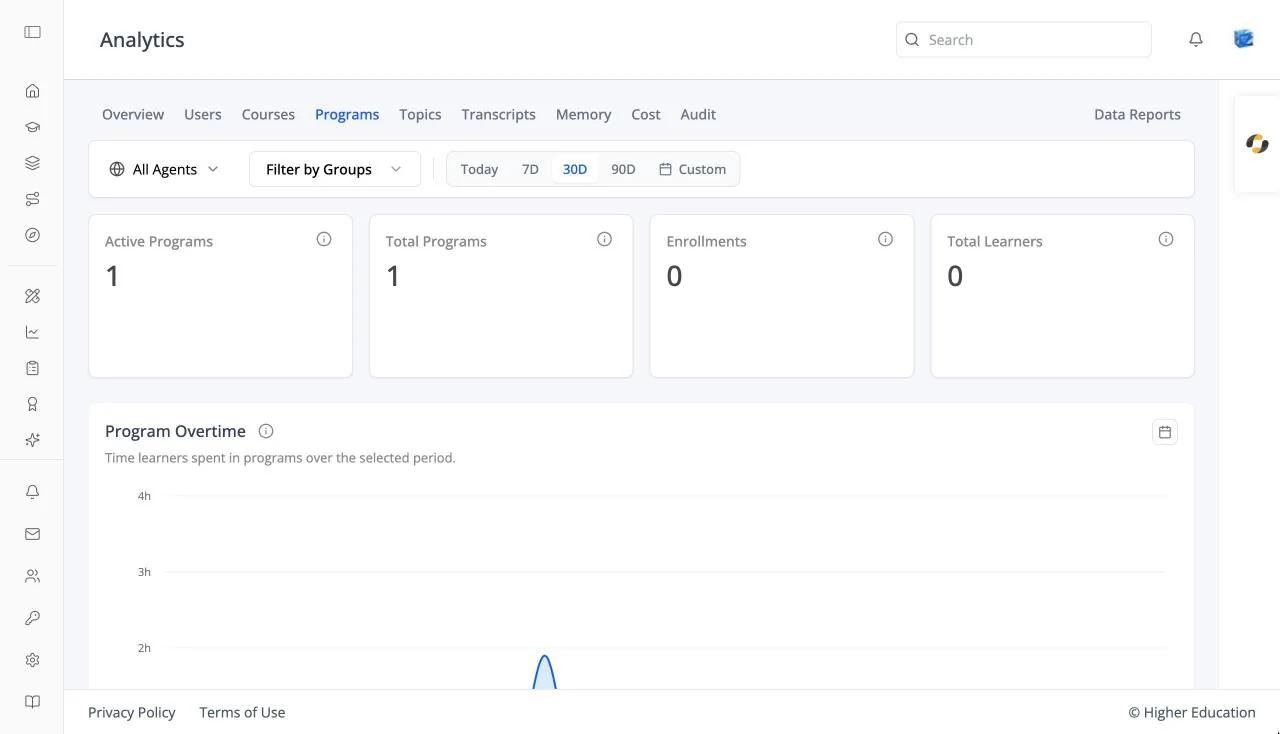
The Programs tab shows enrollment across every program in the organization, and opens a detail page for each program. It works the same way as Courses.
Target Audience
Administrator | Analytics viewers | Watchers
Features
Program cards
Active Programs, Total Programs, Enrollments, and Total Learners.
Program Overtime
A chart of program activity over the selected range.
Programs table
Program Name, Program ID, and Enrollments. Empty: "No programs available".
Program detail
Total Enrollments, Active Enrollments, and Completed Enrollments, with an Enrolled Users table and per-learner progress.
How to Use
Step 1: Pick a program
Click it in the Programs table.
Step 2: Check its learners
Review the enrolled users and open anyone's progress.