Course: Dates Tab
Overview
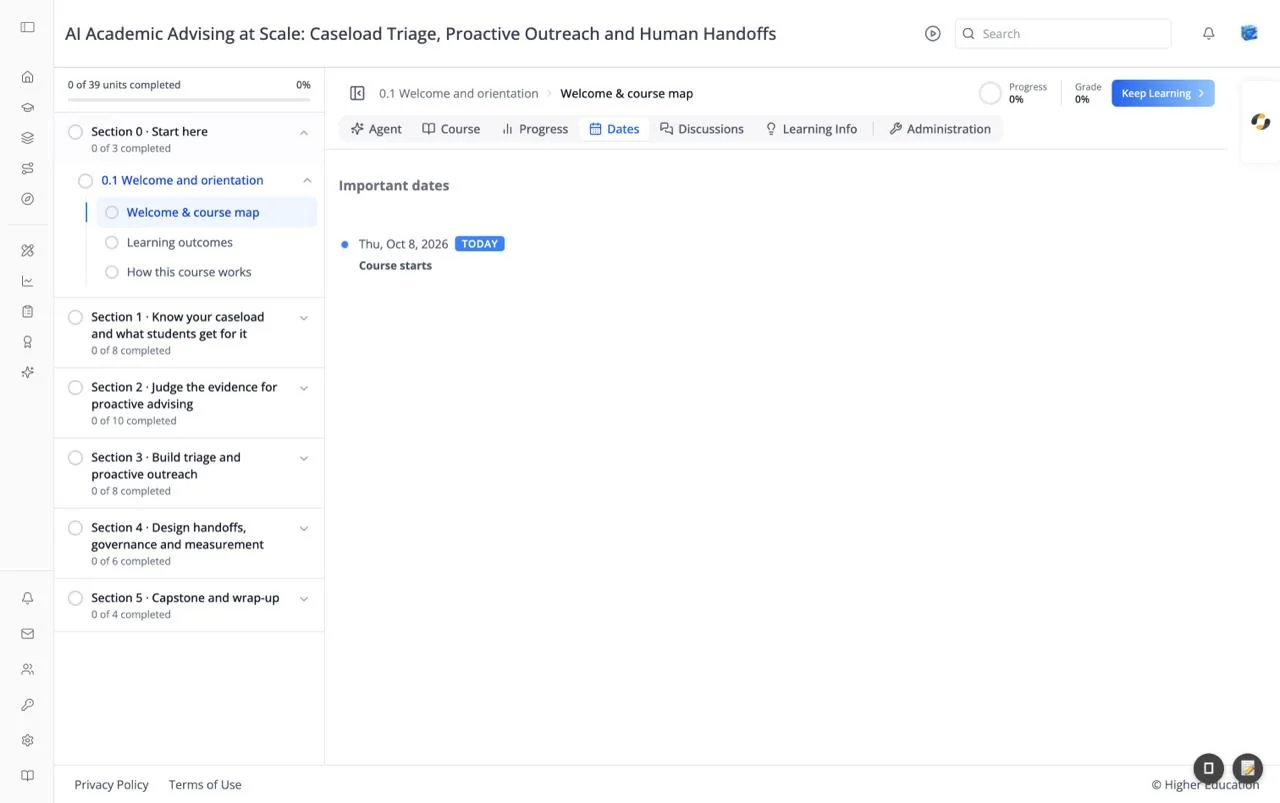
The Dates tab, headed "Important dates", is a timeline of the course's key dates: when it starts, when assignments are due, and when it ends. Today's date is marked with a TODAY badge so you can see what is coming up.
Target Audience
Learner
Features
Timeline
Each entry shows the date (for example "Thu, Oct 8, 2026") and what happens then (for example "Course starts"). Due dates for graded work appear here too.
How to Use
Step 1: Plan ahead
Check the tab at the start of the course and note each due date.
Step 2: Check your extensions
If the course team has given you more time on an assignment, your new due date shows here. See Extensions.