Analytics: Memory
Overview
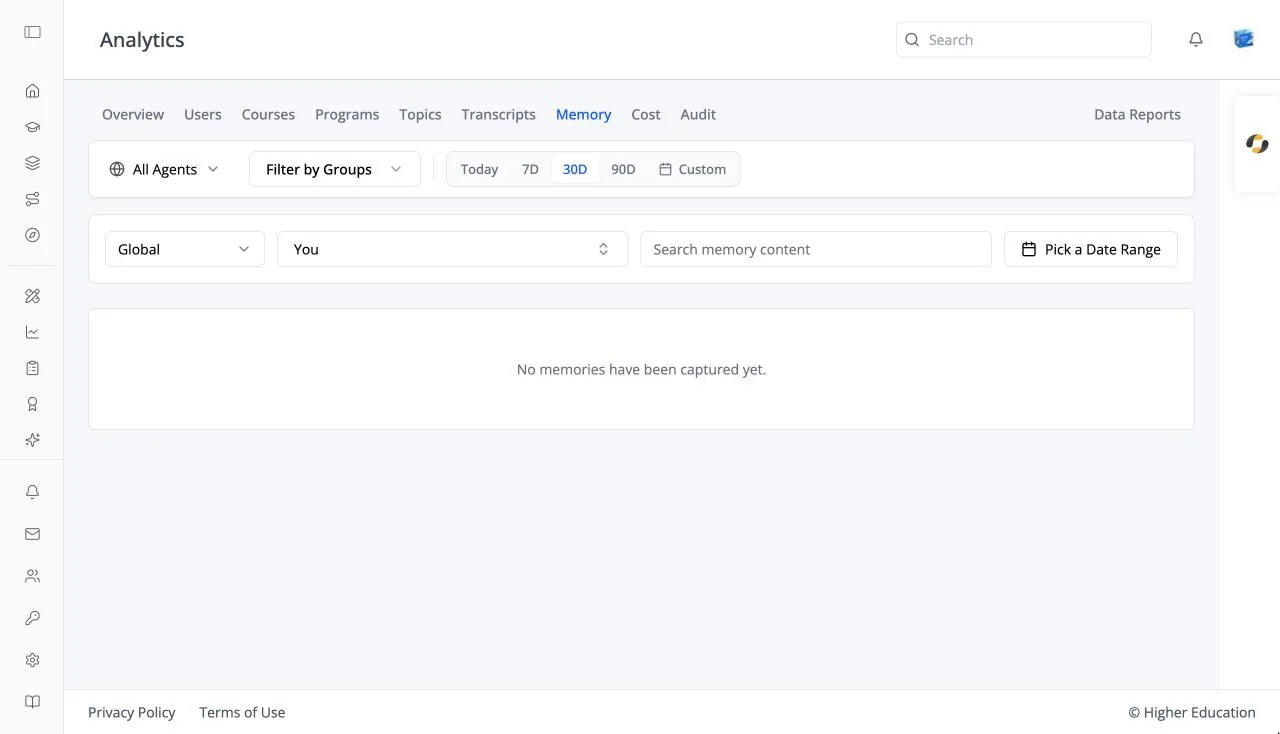
The Memory tab lists what AI agents have remembered about users: facts and preferences captured from conversations, or added by hand. See also Organization Settings: Memory for the switches that control capture.
Target Audience
Administrator | Analytics viewers | Watchers
Features
Scope
This Agent (or the agent you picked), All Agents, or Global.
Filters
Search memory content, a user filter (it starts on You), a date range, and All Categories.
Memories by Category
A chart of how many memories fall into each category.
Memory table
User, Memory, Agent, Category, and Captured. Click a row for Memory Detail, including its source: Auto-captured or Added manually. Empty: "No memories have been captured yet."
How to Use
Step 1: Choose a scope
Pick one agent, all agents, or global memories.
Step 2: Review
Search or filter by user to check what is being remembered about someone.