Common Components
Overview
Many LMS screens are not unique to the LMS. They are shared components from ibl.ai's common component library (@iblai/iblai-js) and appear the same way across ibl.ai applications, including OS. When a shared component improves, every application picks up the change.
Target Audience
Learner | Administrator | Developer
Shared Components in the LMS
Top bar and sidebar
The top bar's search, notification bell, and avatar menu, and the left rail's footer tools. Documented in Navigating the LMS.
Profile dialog
Basic, Overview, Social, Gradebook, Education, Experience, Purchases, Memory, History, Usage, Privacy, and Security. Documented in Profile Dialog, with the shared tabs in OS Profile.
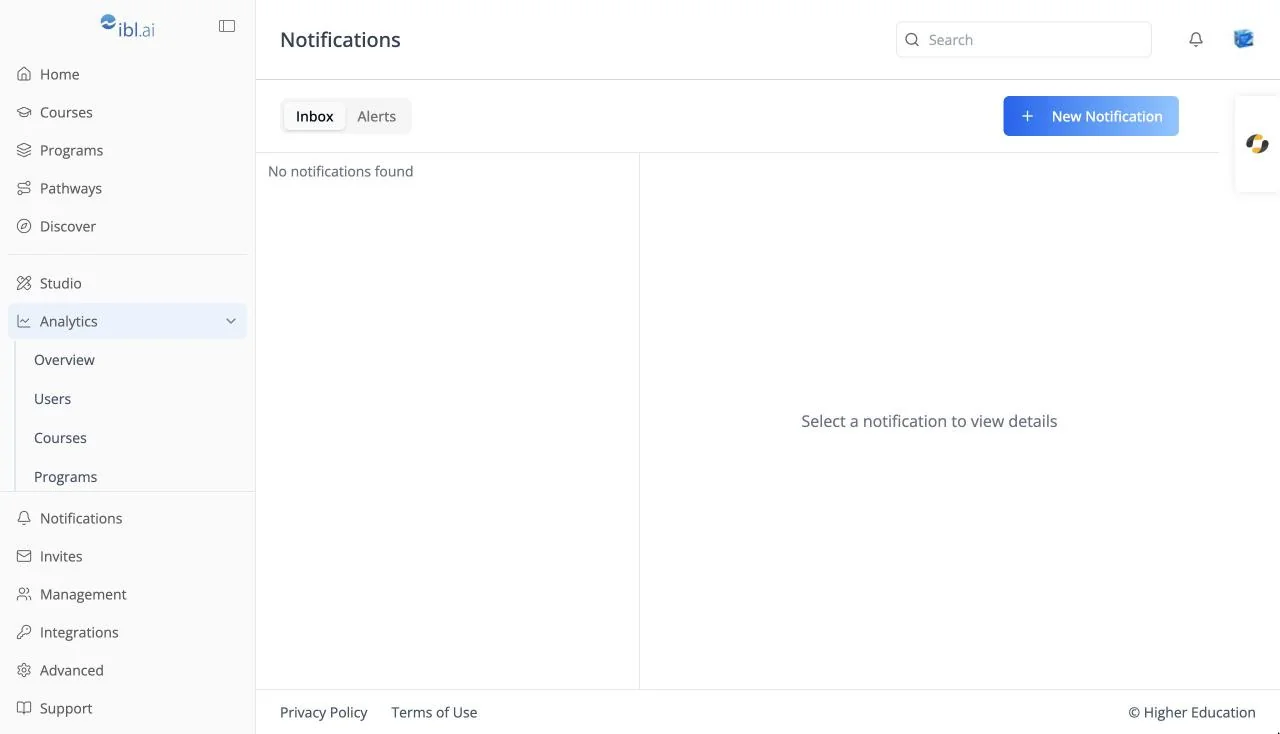
Notification center
The bell dropdown, the inbox, and alerts. Documented under Notifications.
Analytics dashboards
Every analytics tab, including the course and program detail pages. Documented under Analytics.
Organization settings
Invites, Management, Integrations, Monetization, Billing, Memory, Virtual Machine, and Advanced. Documented under Organization Settings.
AI agent chat
The chat on a course's Agent tab and in the AI agent tab on the right edge is the ibl.ai agent chat, the same one as the OS chat interface.
Related Resources
Source Repositories
The LMS lives at github.com/iblai/lms. Companion tooling lives in github.com/iblai/vibe.