Analytics: Users
Overview
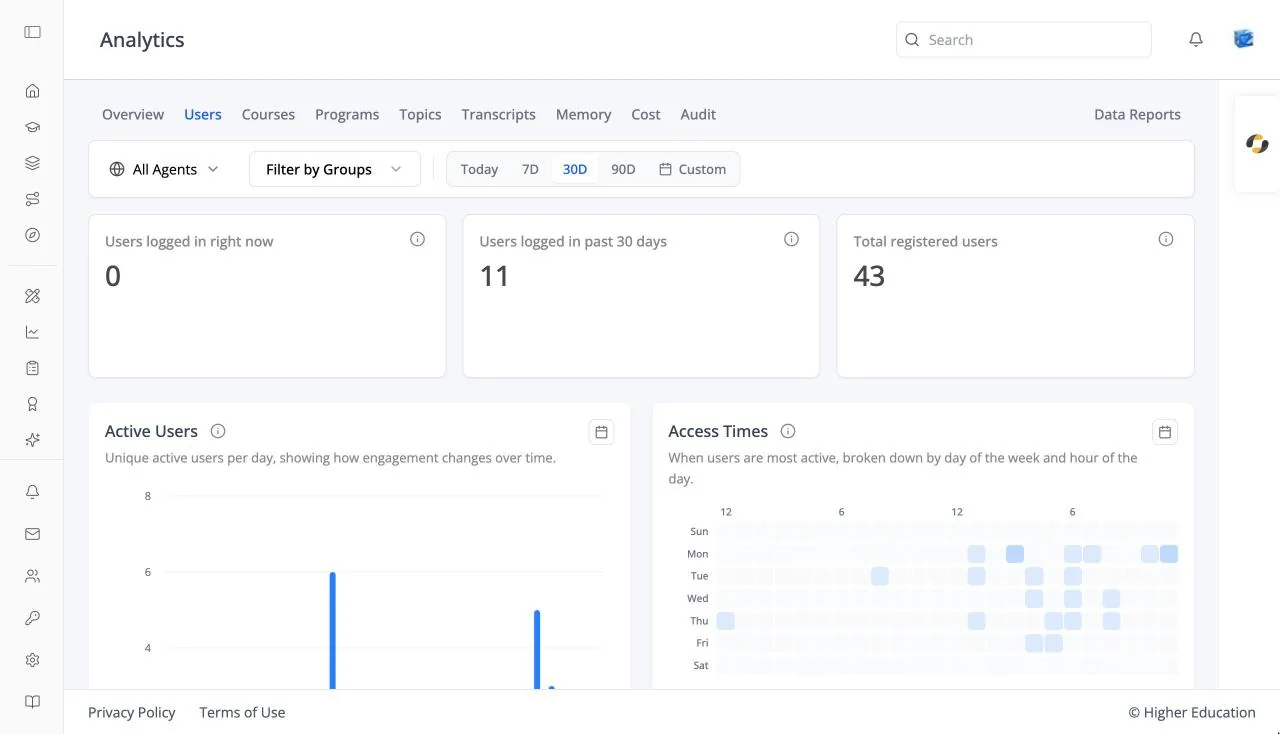
The Users tab shows who is using the LMS and its agents, and when.
Target Audience
Administrator | Analytics viewers
Features
User cards
Users logged in right now, Users logged in past 30 days, and Total registered users.
Active Users
A chart of active users per day over the selected range.
Access Times
A heatmap of the days and hours people are most active, from "Less active" to "More active".
User Details
A table with User Email, Username, Messages, and Last Active. Search with "Search by email or username...". Click a user to open their profile.
How to Use
Step 1: Check activity
Compare users active now, in the past 30 days, and in total.
Step 2: Plan around peak times
Use Access Times to schedule announcements and live sessions when people are online.
Step 3: Find a person
Search User Details to see how active one user has been.