Profile: Programs
Overview
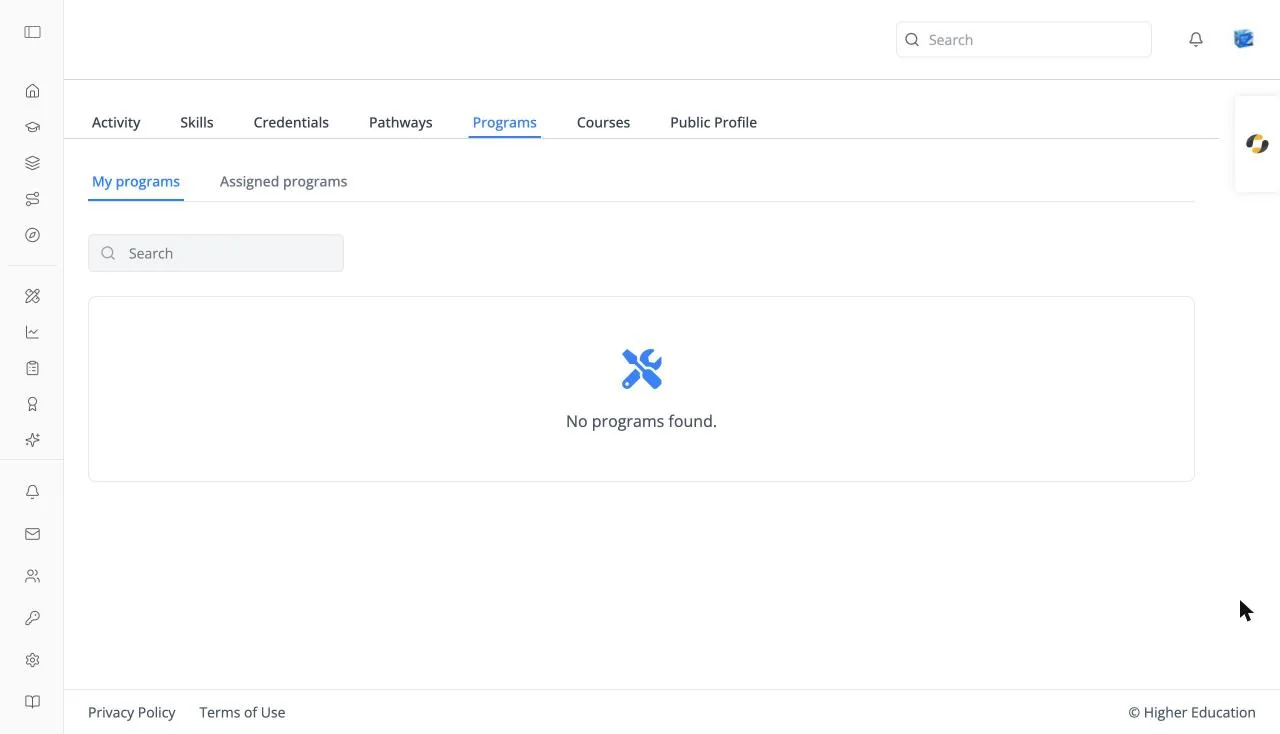
The Programs tab of your learner profile lists the programs you are in, with your progress in each.
Target Audience
Learner
Features
My programs / Assigned programs
Programs you enrolled in, and programs your organization assigned to you. Assigned programs is hidden when your organization doesn't use assignments.
Program cards
Each card shows a PROGRAM badge, the name, and your Progress. Click one to open its program page. Empty: "No programs found."
Search
Type at least three characters into Search to filter by name.
How to Use
Step 1: Check your programs
Open the tab to see your progress in each program.
Step 2: Continue
Click a program to open it and pick its next course.