Course: Learning Info Tab
Overview
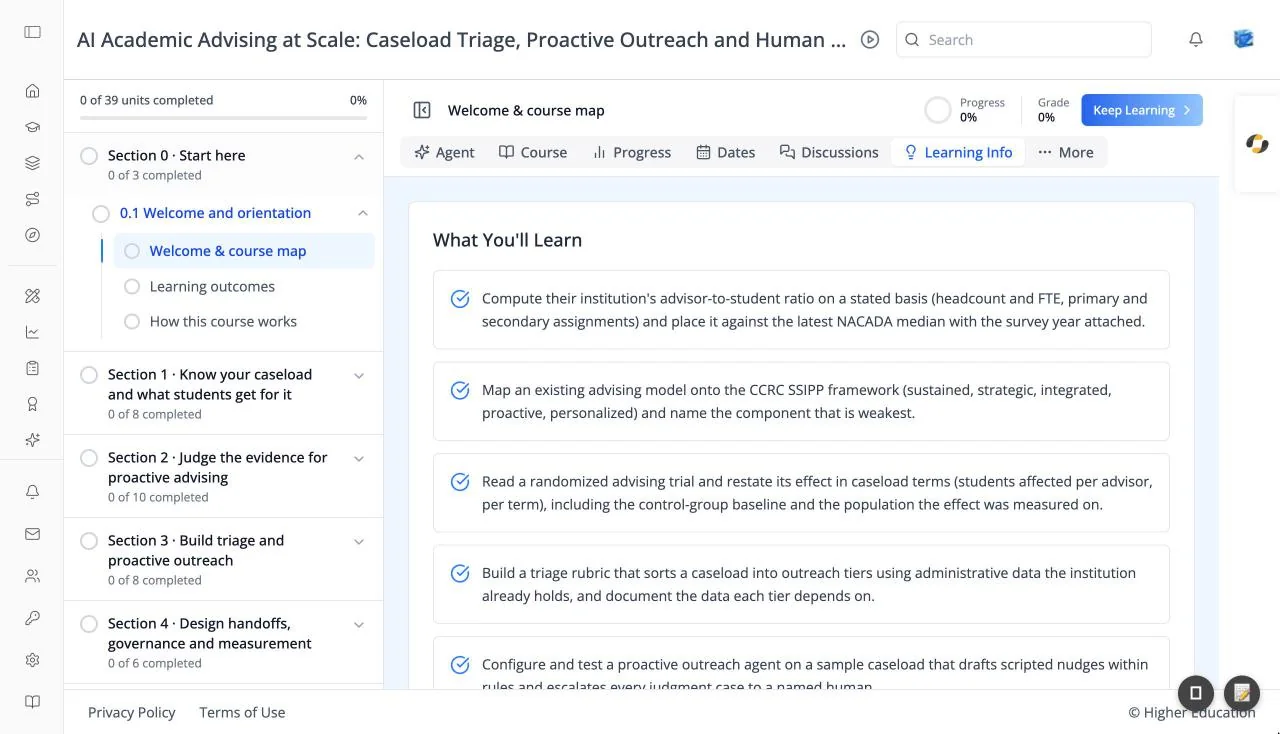
The Learning Info tab shows what you will learn in the course. A card titled What You'll Learn lists each learning outcome on its own row, marked with a check icon.
The tab appears only for courses that list learning outcomes.
Target Audience
Learner
How to Use
Step 1: Read the outcomes
Read the list before you start, so you know what the course is building toward.
Step 2: Check yourself
Come back at the end of the course and check that you can do each one.