Course: Instructors Tab
Overview
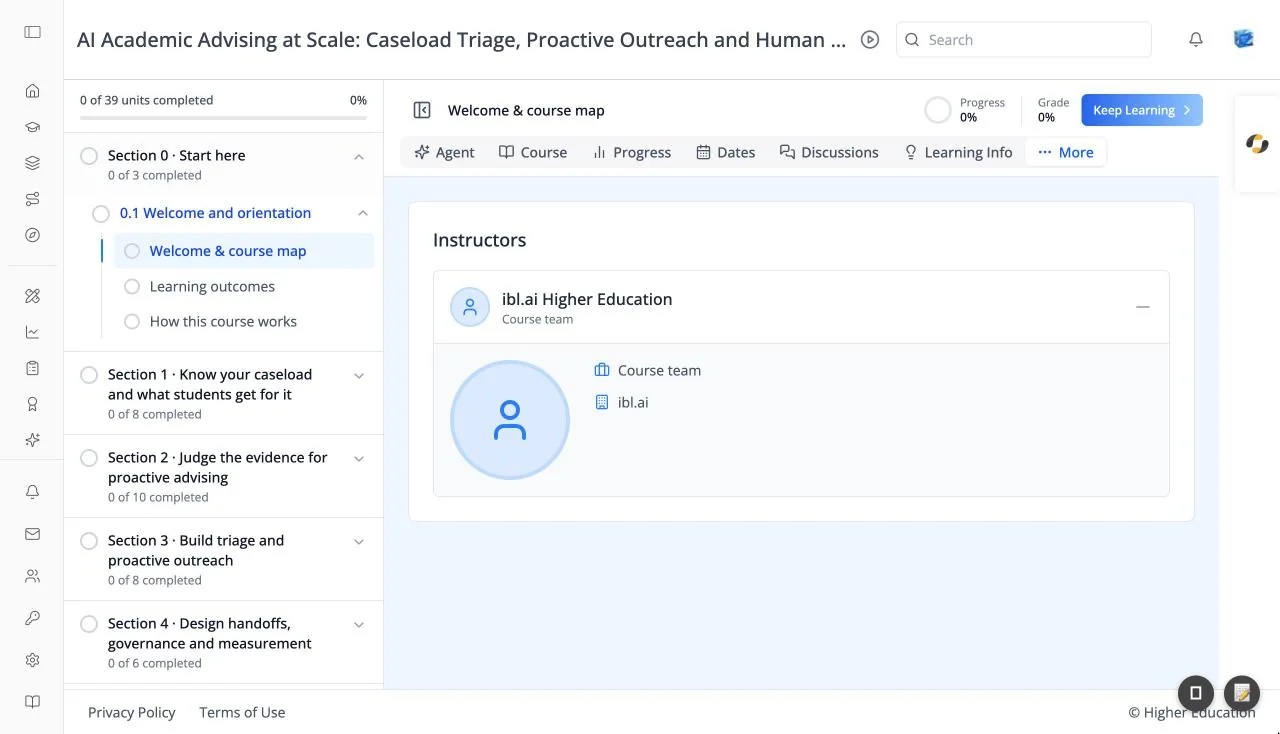
The Instructors tab introduces the people who teach the course. A card titled Instructors lists each instructor with their photo (or a placeholder), name, and title.
The tab appears only for courses that list their instructors. Everyone in the course can see it.
Target Audience
Learner
Features
Instructor details
Click + beside an instructor to expand their entry and see a larger photo, their title, their organization, and an About biography. Click − to collapse it again.
How to Use
Step 1: Meet the instructors
Open the tab and expand an instructor to read their background.